
Import and export of rules
To save time and ensure consistency across tables, the DQC Platform allows you to export a set of rules from one ruleset and import them into another. This is especially helpful when multiple tables share the same column names and structure or if you want to reuse rules on another ruleset of the same table.
Exporting rules
Export rules from a table as a JSON file:
Go to the table and navigate to the Rules tab
Select the rules you want to export
Click the Export icon in the top-right corner
Save the .json file
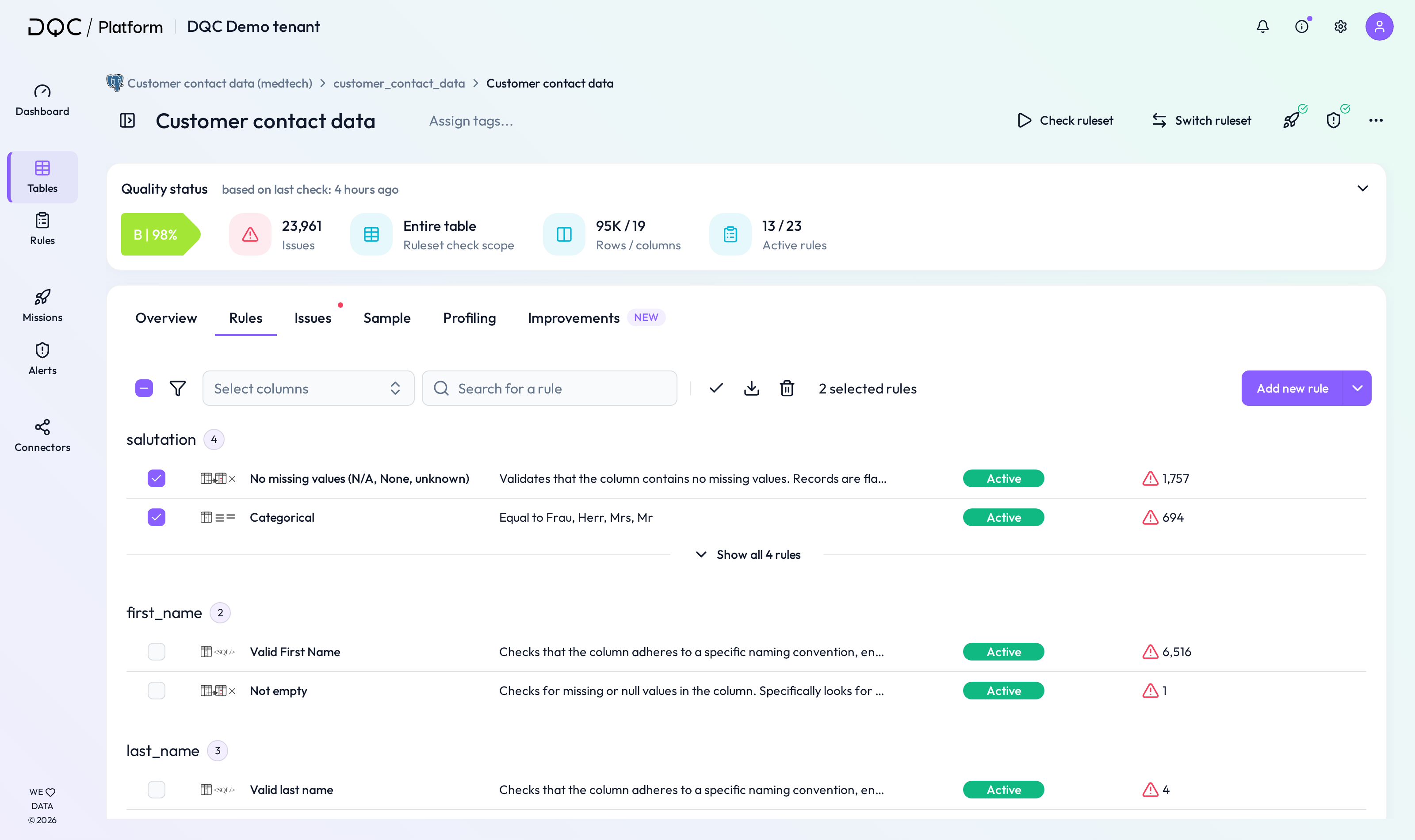
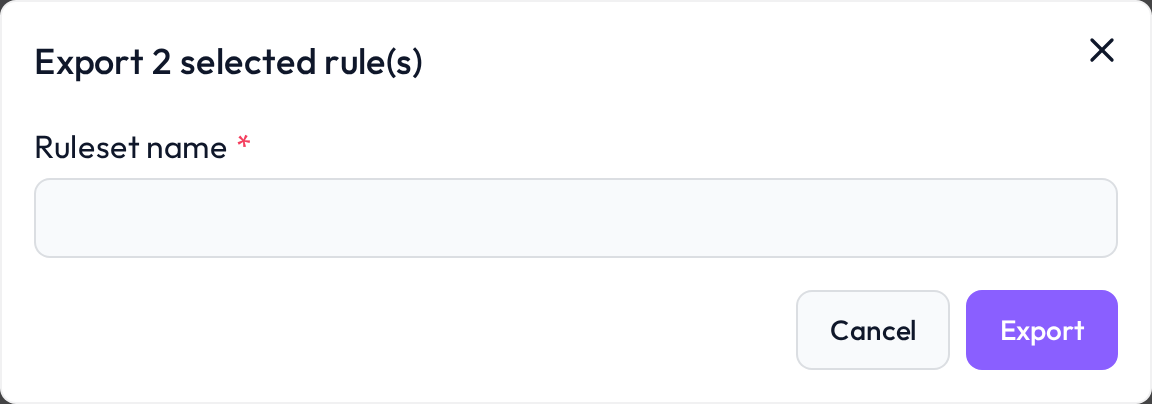 Only selected rules will be included in the export
Importing rules
You can import the saved rules into another ruleset:
Navigate to the target table and ruleset
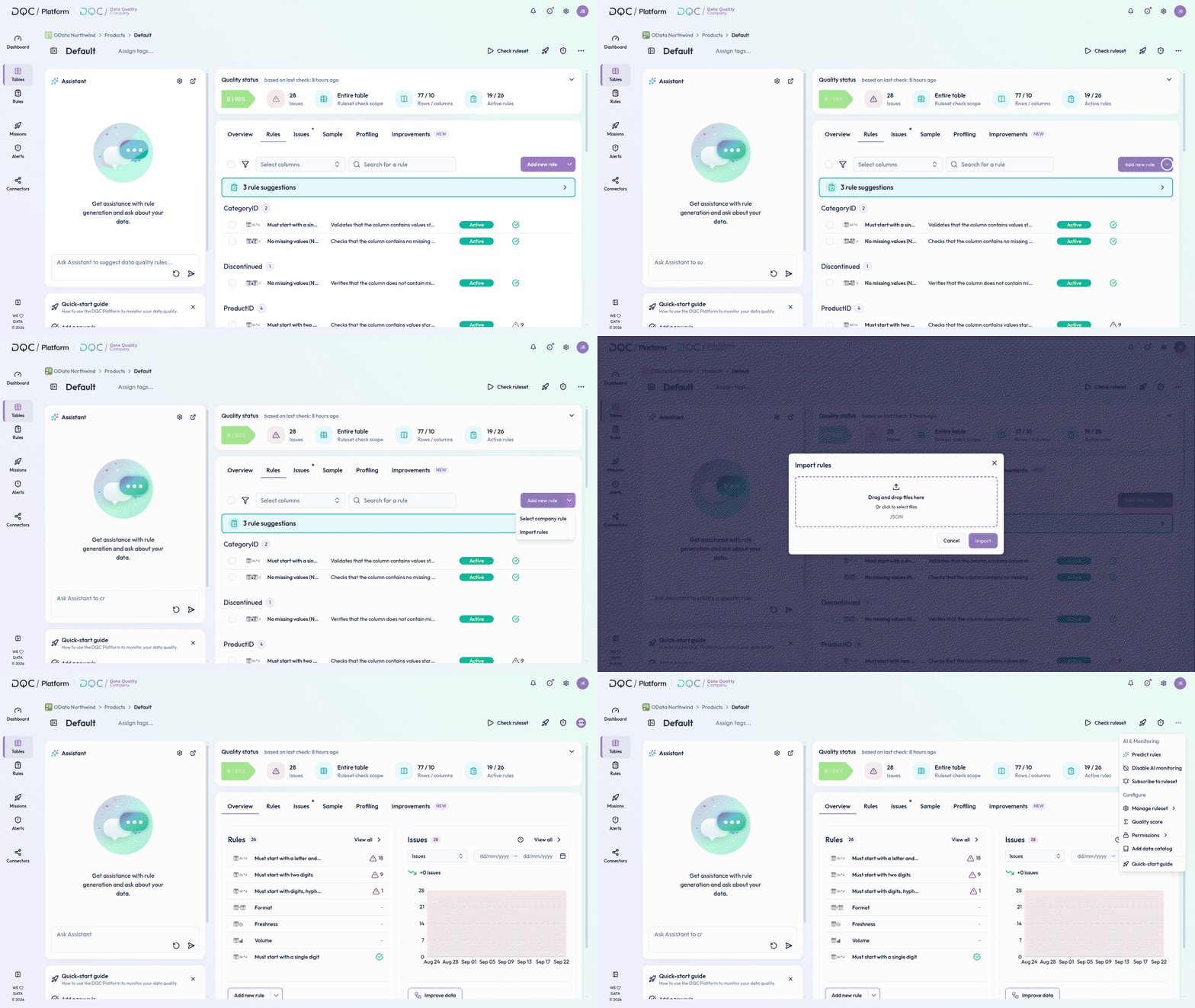
Click “More” → “Manage ruleset” → “Import ruleset”
Upload the exported .json file
Click Import
Review the rules and run a table check to validate the rules

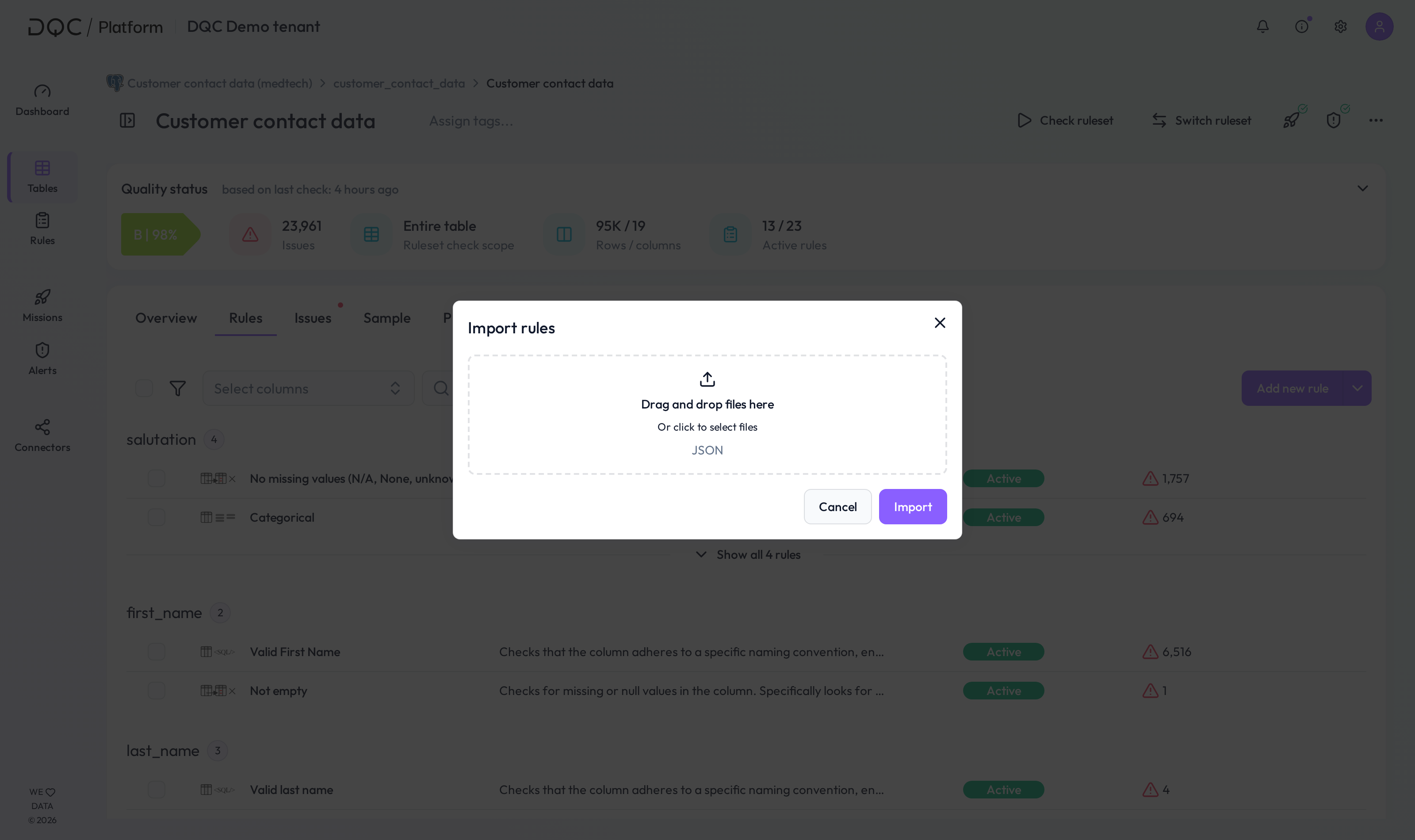 Rules are only applied if the column names match
 Notes
Notes
Rules can only be imported if the column names match
You can adjust imported rules individually before running the check
Learn more: Setting Up a Table Check, Rule Activation, Working in the Rule Detail Screen