
Setting Up Two-Factor Authentication
Two-Factor Authentication (2FA) adds an extra layer of security to your DQC Platform account. This guide shows how to activate it in just a few steps.
Step-by-Step Guide
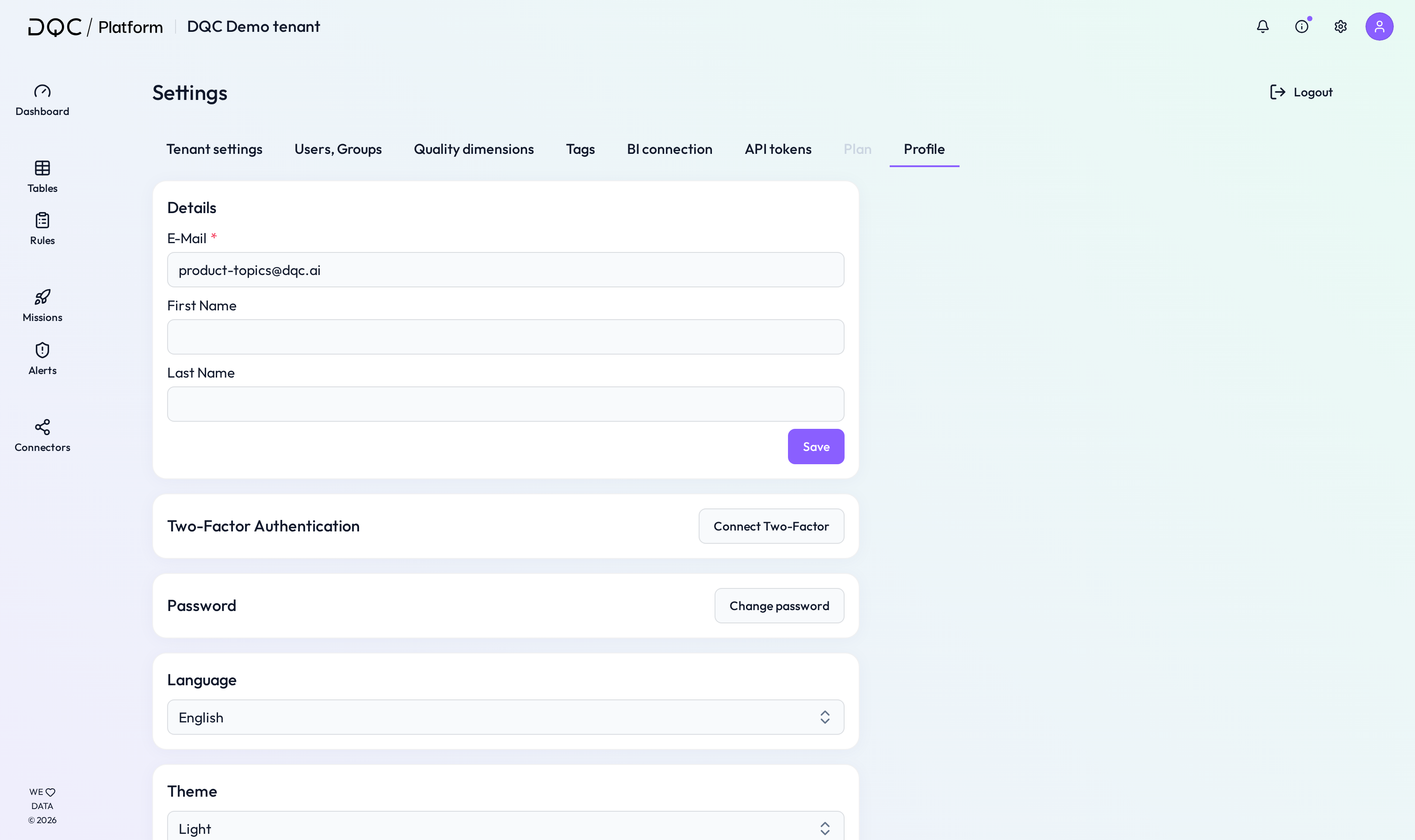
1. Go to Settings > Profile
Click on the “Connect Two-Factor” button under Two-Factor Authentication.
2. Scan the QR code
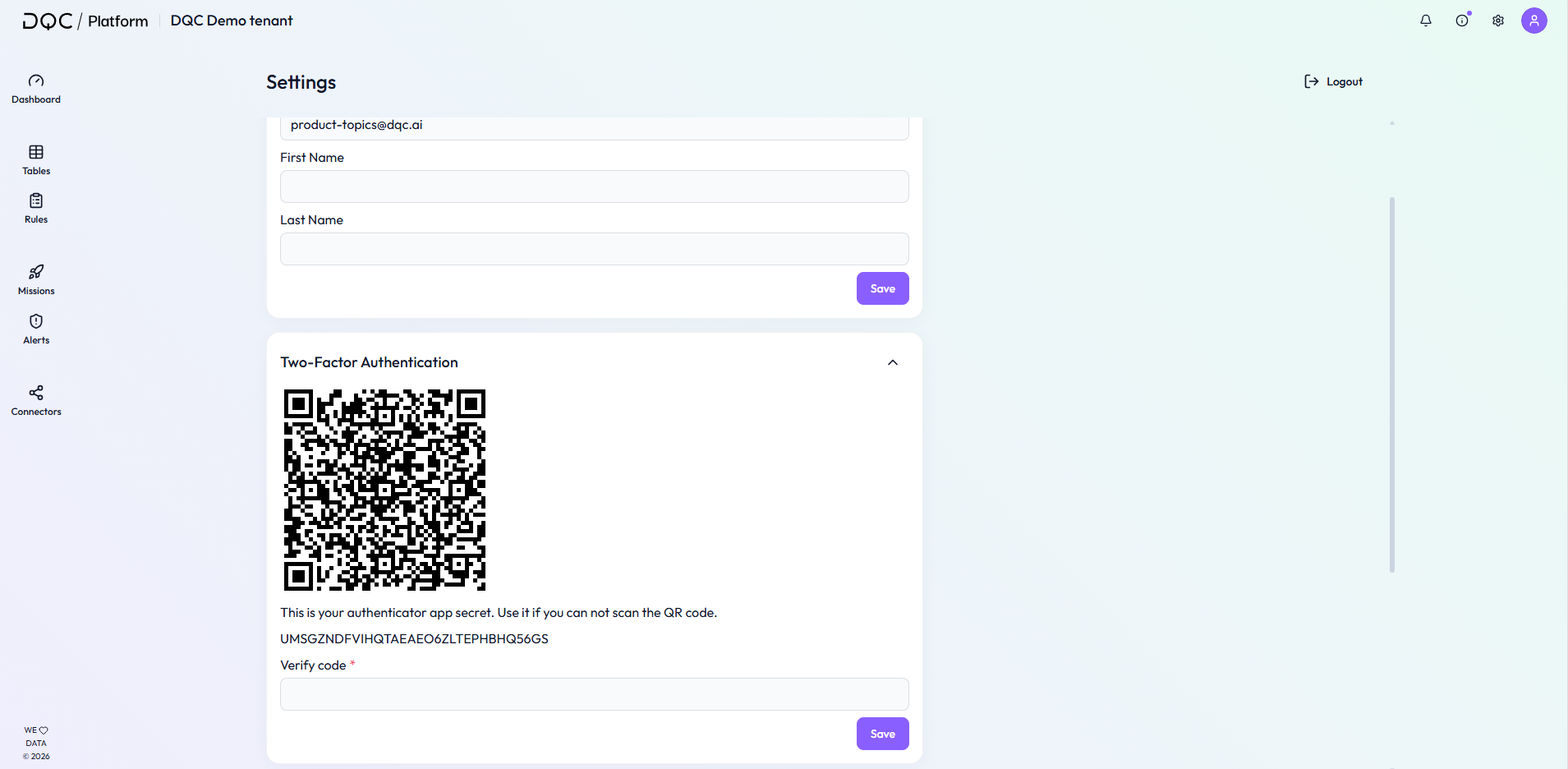
A QR code and a backup key will appear. Open your authenticator app (like Google Authenticator or Microsoft Authenticator) and scan the QR code.
3. Enter the verification code
Type the 6-digit code generated by your app into the “Verify code” field and click Save.
 Notes
Notes
If you can’t scan the QR code, manually enter the secret key shown below it.
After successful setup, your account is protected with 2FA for all future logins.