
Overview of existing rules
The DQC Platform enables you to define a wide range of data quality rules tailored to different column types and use cases. Rules can be added manually by clicking “Add new rule”, or automatically generated based on data profiling.
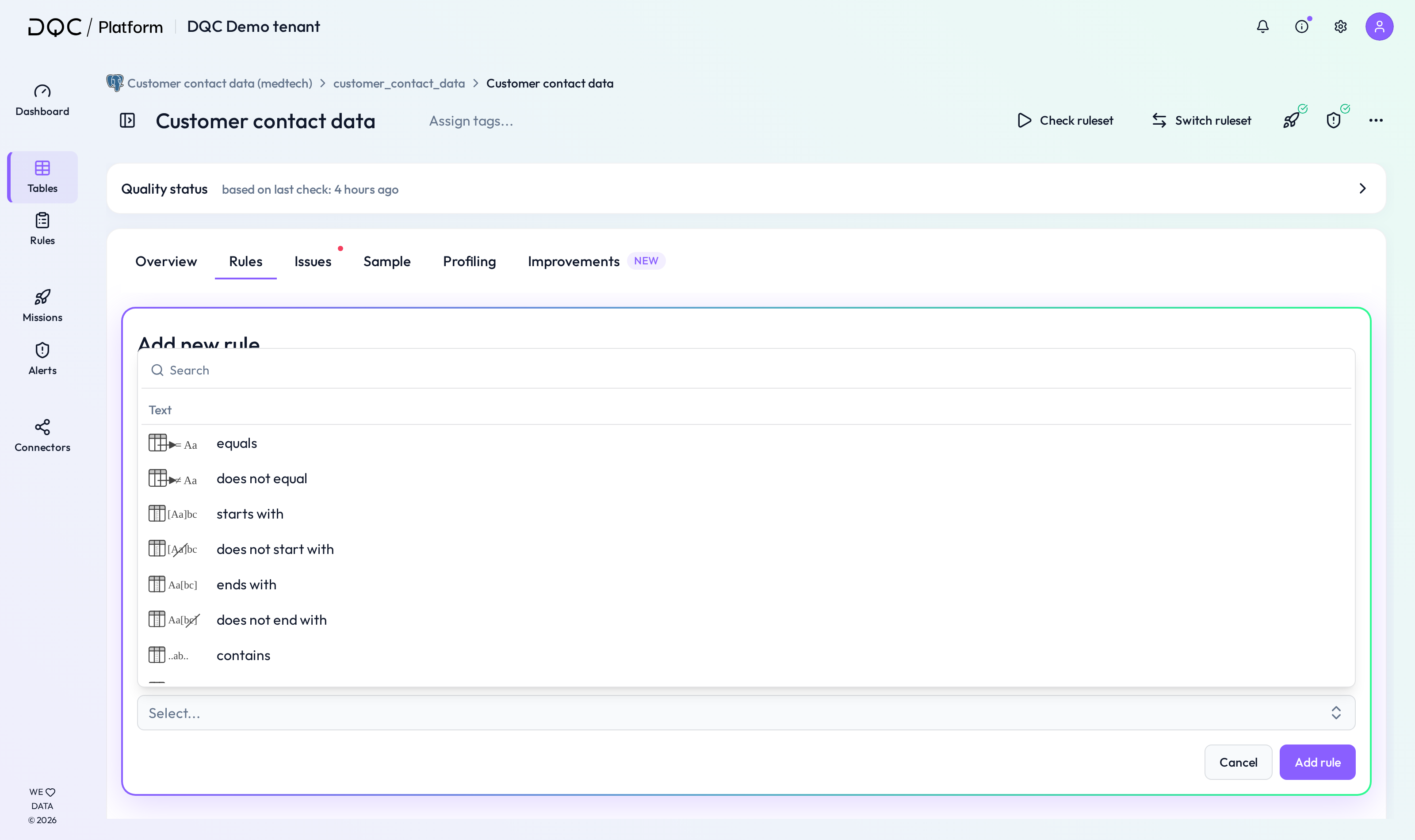
Rule categories
Data quality rules are grouped by data type and structure:
 Numeric
 Text
Text Other
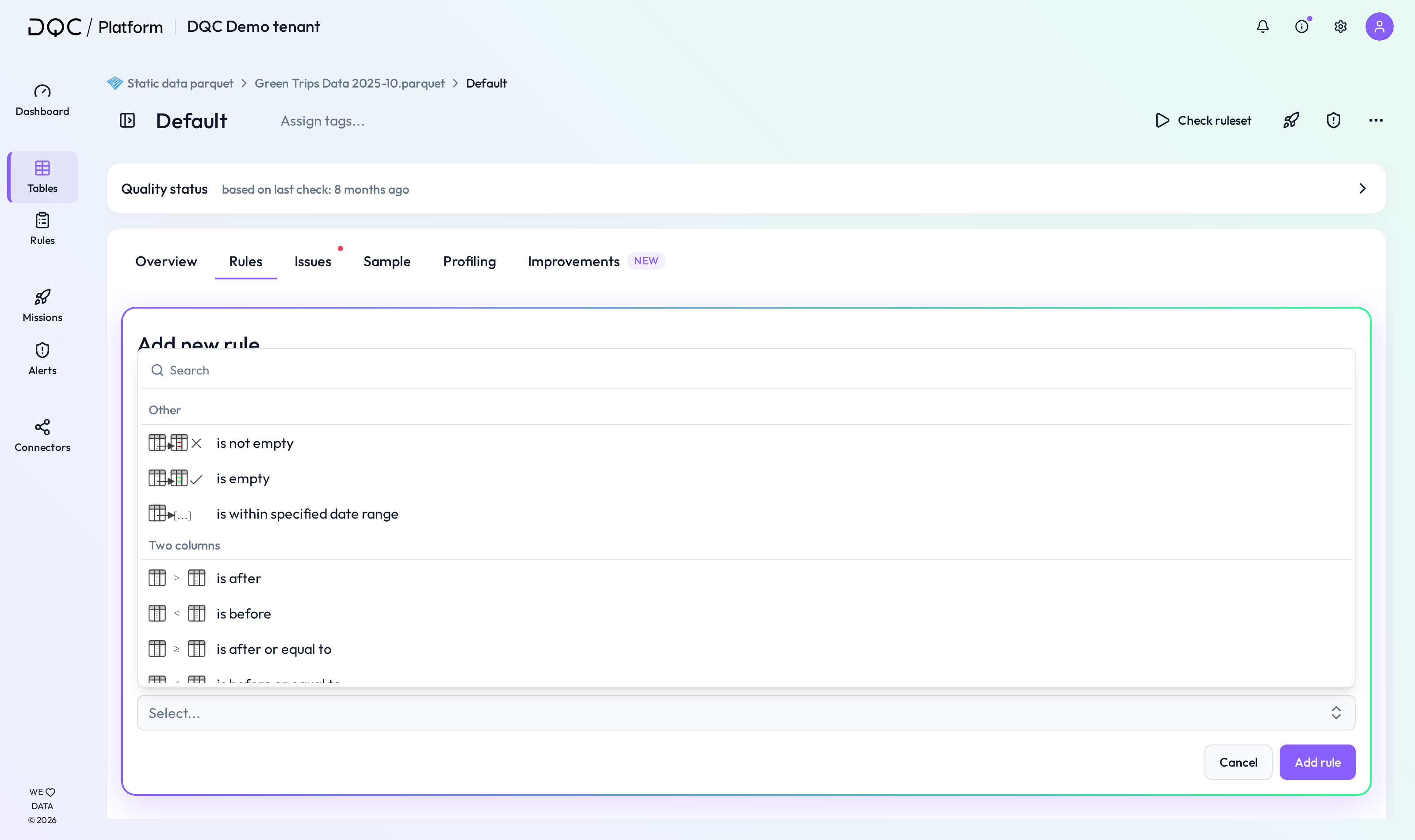
Other Two-columns
 Multi-column
When adding a new rule, the platform filters the available Condition options based on the selected column’s data type (e.g. text columns won’t show numeric rules, date columns only show date relevant conditions).
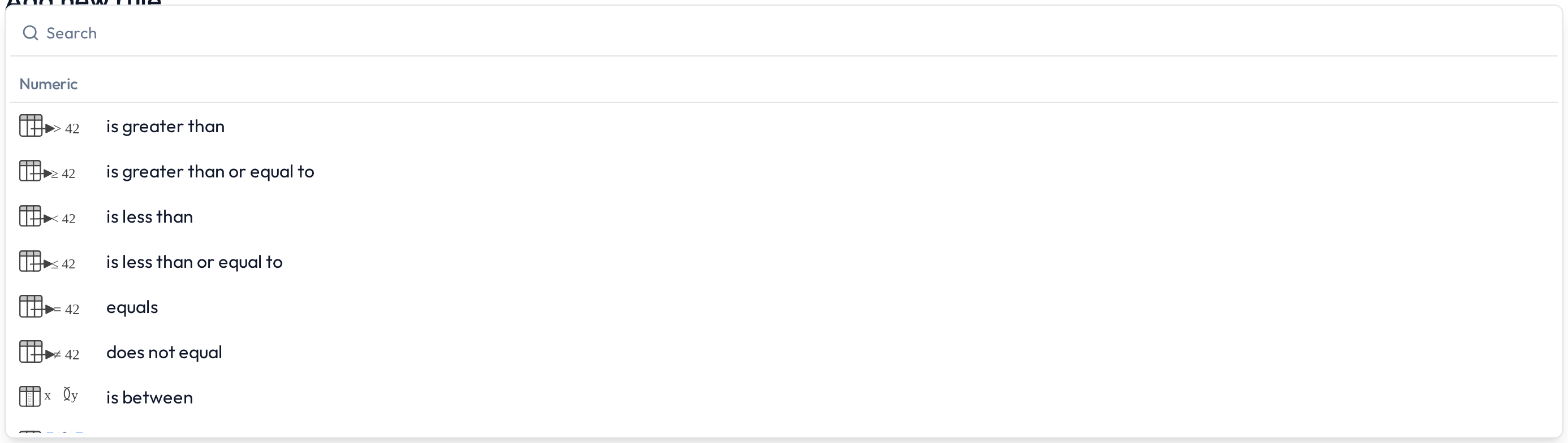
Numeric rules
These rules apply to numeric columns (integers, floats):
Greater than
Greater than or equal
Less than
Less than or equal
Equals
Does not equal
Between
No outlier
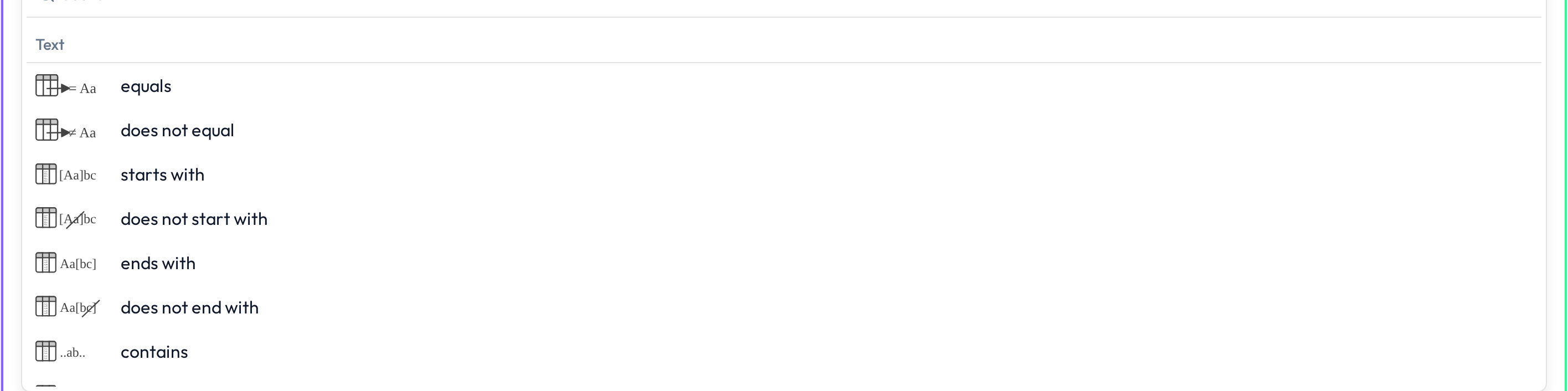
Text rules
These rules validate content in text columns:
Equals / Does not equal
Starts with / Does not start with
Ends with / Does not end with
Contains / Does not contain
Text pattern
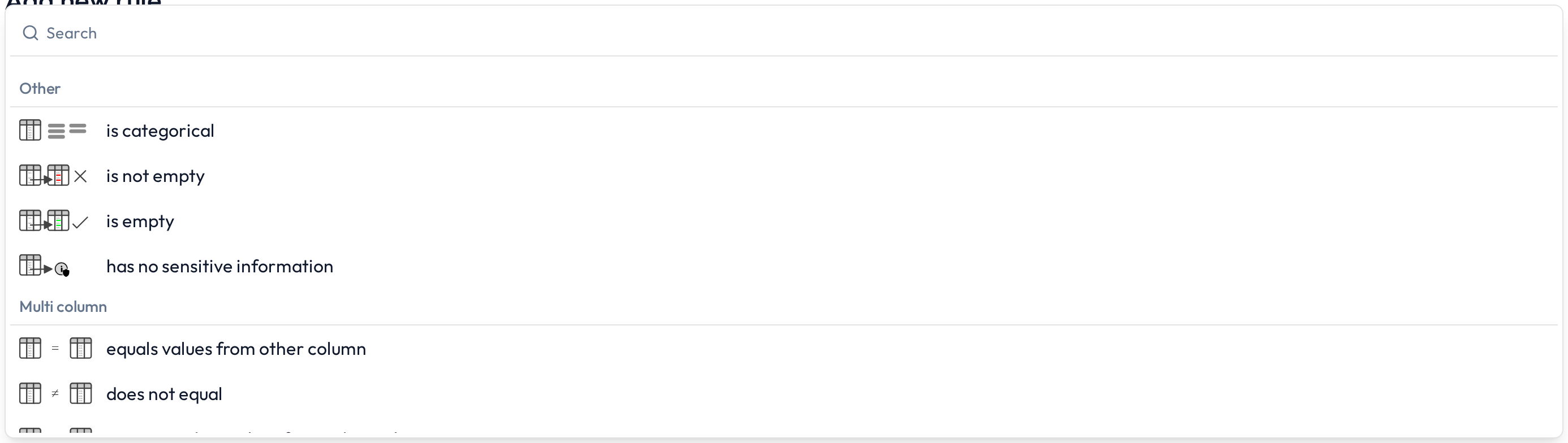
Other rules
These cover structural and classification checks:
Categorical
Not empty / Empty
No personally identifiable information (PII)
Date (valid format)
Two-column rules
These compare two columns — either string or date types:
Contains
Starts with
Ends with
After / After or equal (for dates)
Before / Before or equal (for dates)
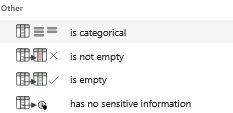
Multi-column rules
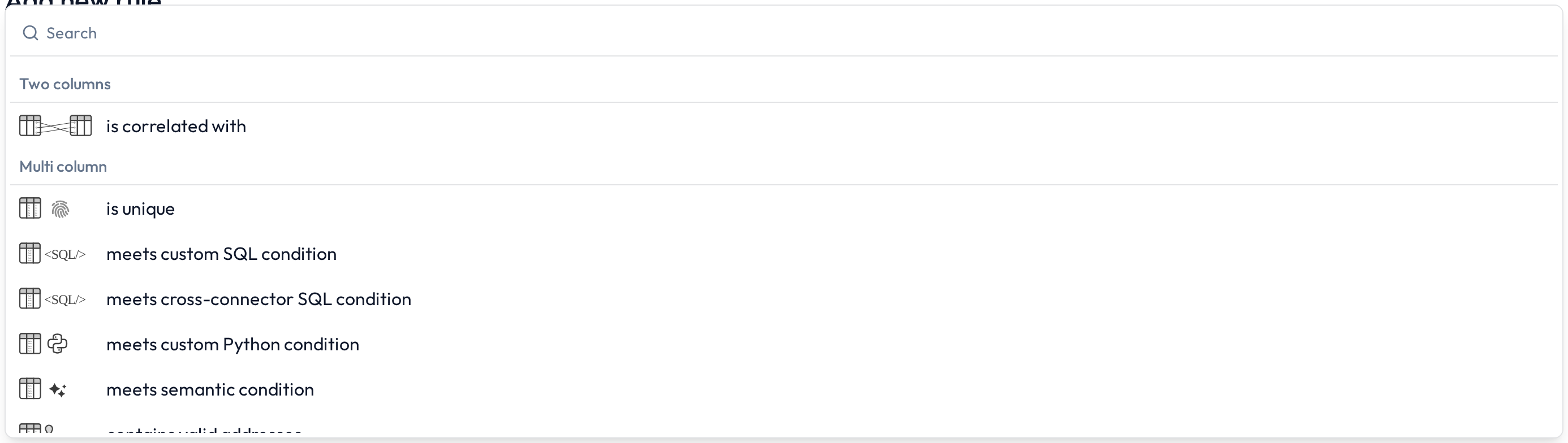
These rules compare or combine multiple columns in a single logic block:
Contains values from other column
Custom SQL
Custom Python
Semantic (LLM-based)
Greater than / Greater than or equal (float)
Less than / Less than or equal (float)
Equals / Does not equal (float)
Additional features
 Filters
All rule types can be refined with filters (e.g. only apply rule if country = DE).
 Segmentations
The following rule types can be further segmented to apply checks per group:
No outlier
Text pattern
Categorical
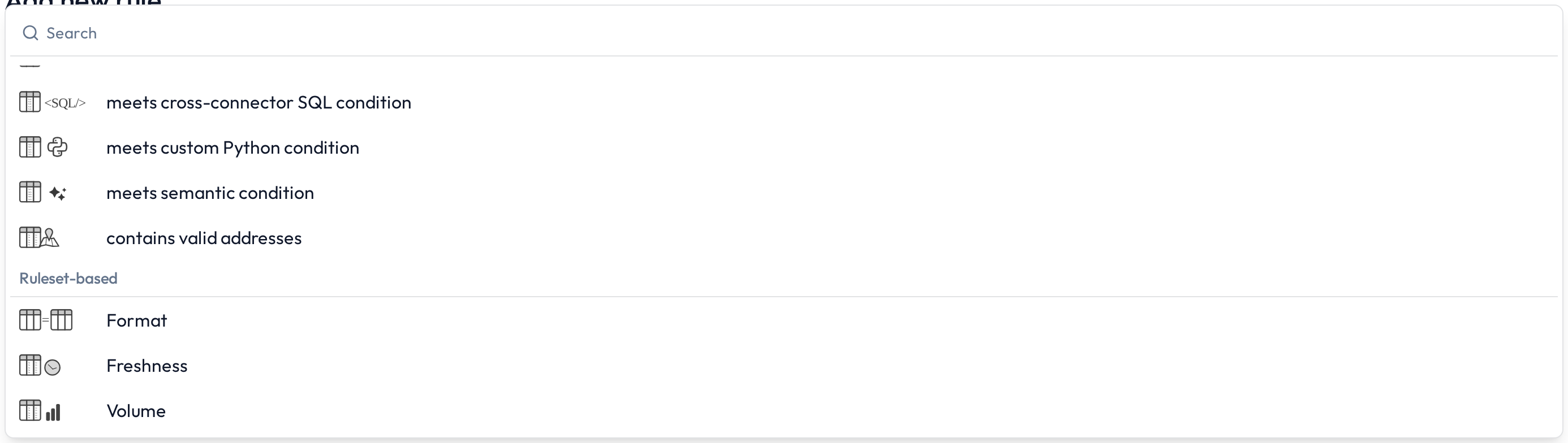
Automatically generated table rules
Each table connected to the DQC Platform automatically receives a basic set of table-level rules:
 Freshness – Time since last update
 Volume – Expected row count
 Format – File type, structure, or completeness
 Notes
Notes
Rules can be created manually, via dropdowns, or by using the DQ-AI-Assistant
All rules are visible in the Rule Repository and can be edited later
Learn more: Rule creation with the DQ AI Assistant, Working in the rule detail screen, Multi-column rules