
Auto-join: Simplify user onboarding
The Auto-Join feature allows users from your organization to join your DQC Platform tenant automatically — no manual invites required. This reduces admin effort and speeds up onboarding.
How auto-join works
Once configured, new users with verified email addresses from your domain (e.g. name.surname@dqc.ai) will be automatically assigned to your tenant instead of creating a new one.
To enable auto-join:
Go to Settings > Tenant
Enable the Auto-Join option (first click on Edit)
Enter your verified domain (e.g.
@dqc.ai)Save your changes
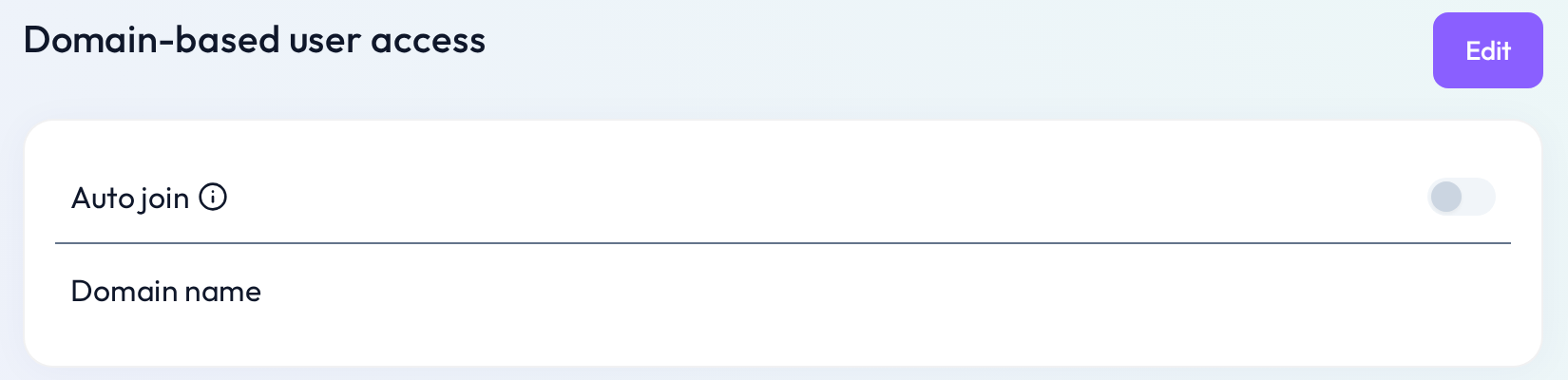 Set a verified email domain to enable automatic assignment of new users
What new users see
When a user from your domain signs up, they’ll be prompted to join your existing tenant instead of starting from scratch.
Benefits of auto-join
 Faster team onboarding — no need to manually invite new users
 Reduced admin effort — no approval steps for each colleague
 Secure — only users with verified email domains can auto-join
Troubleshooting
If you encounter any issues during setup (e.g. domain conflict or incorrect prompt):
Double-check the domain format (e.g.
@dqc.ai)Ensure the user signs up with a verified email address
Contact us at info@dqc.ai if you need assistance
 Notes
Notes
Each domain can only be linked to one tenant
This feature is especially useful for organizations with centralized IT
Learn more: User management and access rights, Invitation of new users