
Including issue exceptions
In some cases, individual rows may be excluded from data quality checks—for example, if a known exception regularly violates a rule but is acceptable in business context. In such cases, issue exceptions can be used.
Issue exceptions allow you to mark specific rows as non-issues for a rule. Once added, these exceptions will no longer count toward the issue statistics or quality score.
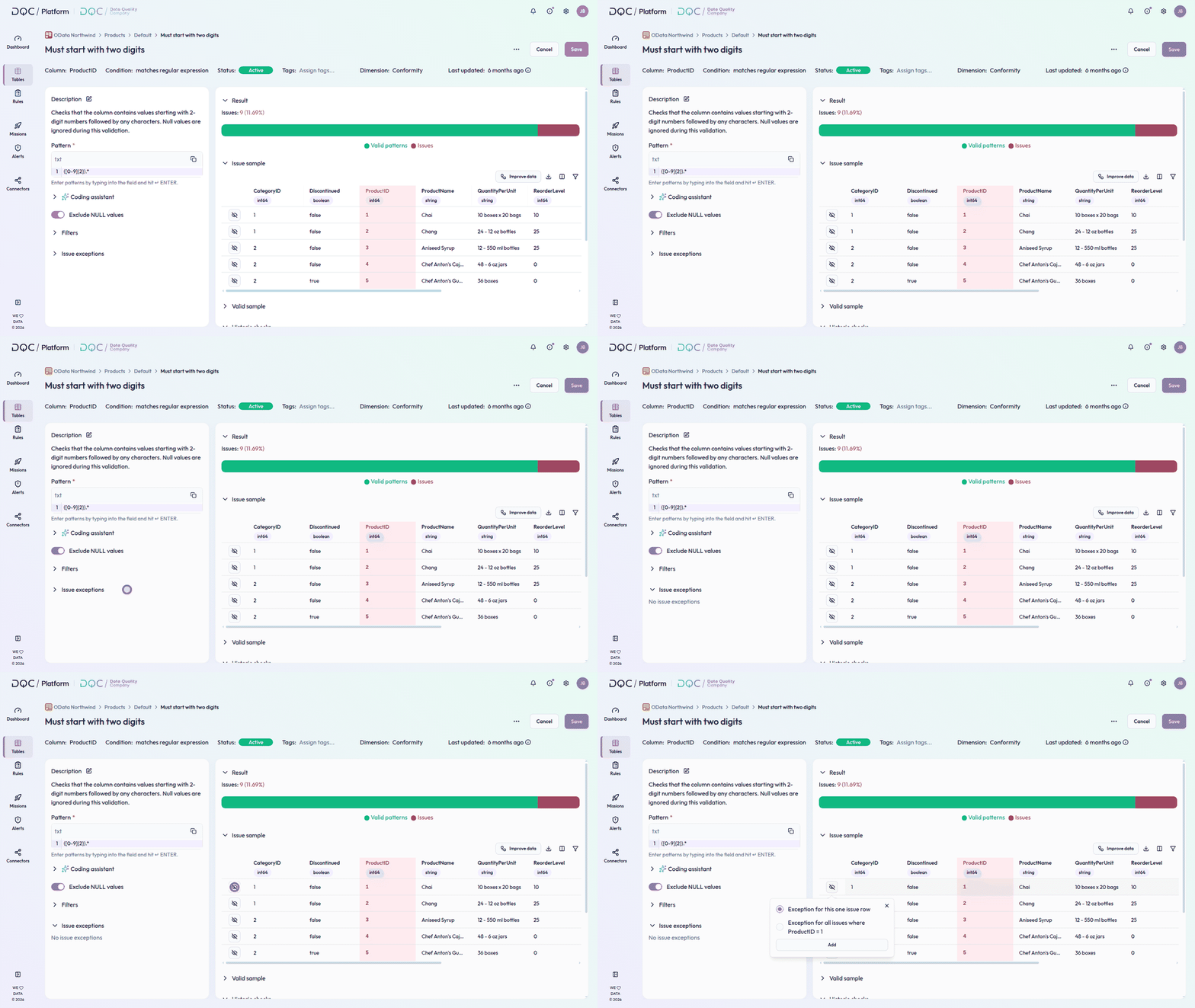
Add an issue exception
To add an exception, navigate to the Issue sample section at the bottom of the rule detail view.
Click on the
 icon next to the row you want to exclude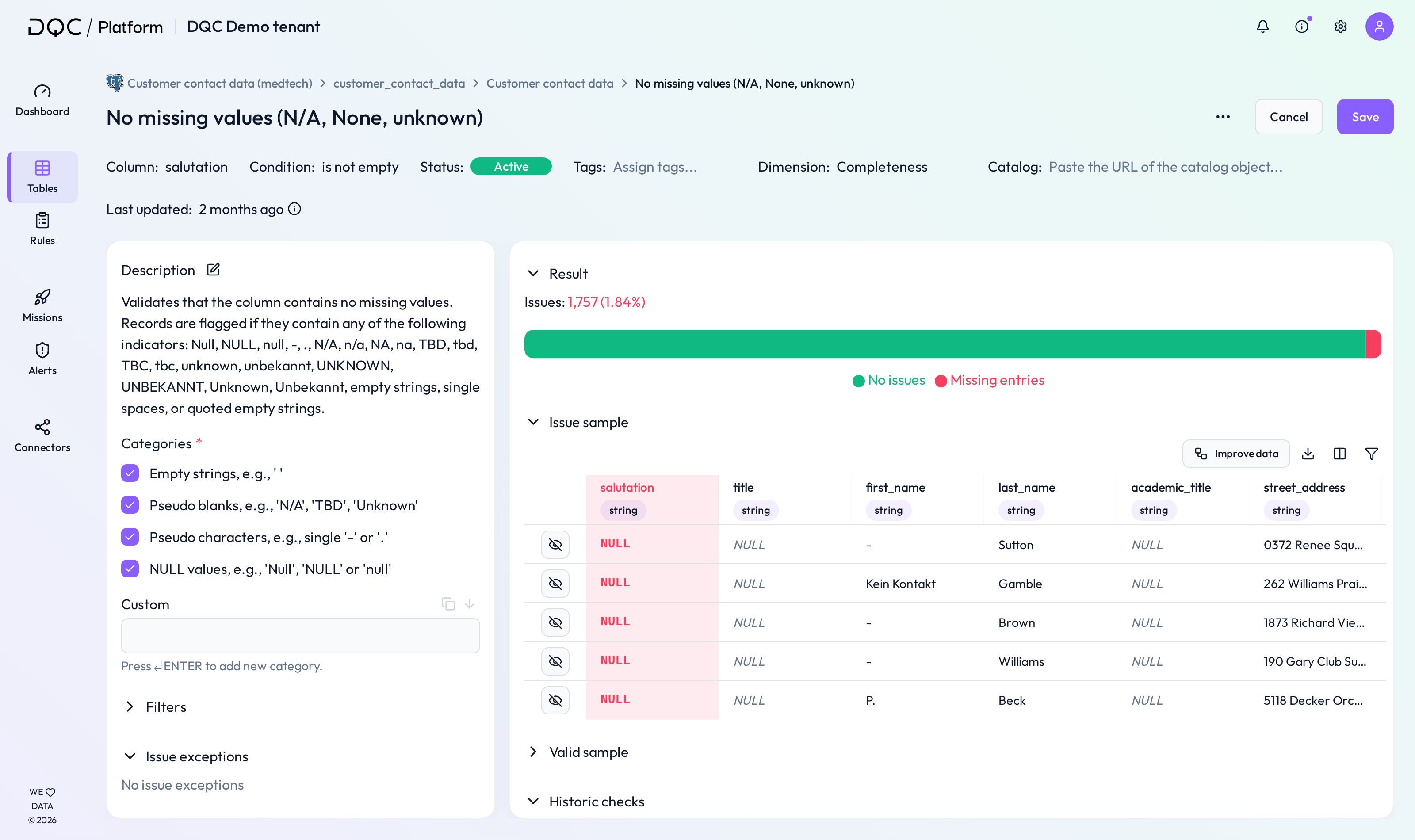
A window will open where you can choose between two exception types:
This row only
All rows where [condition]
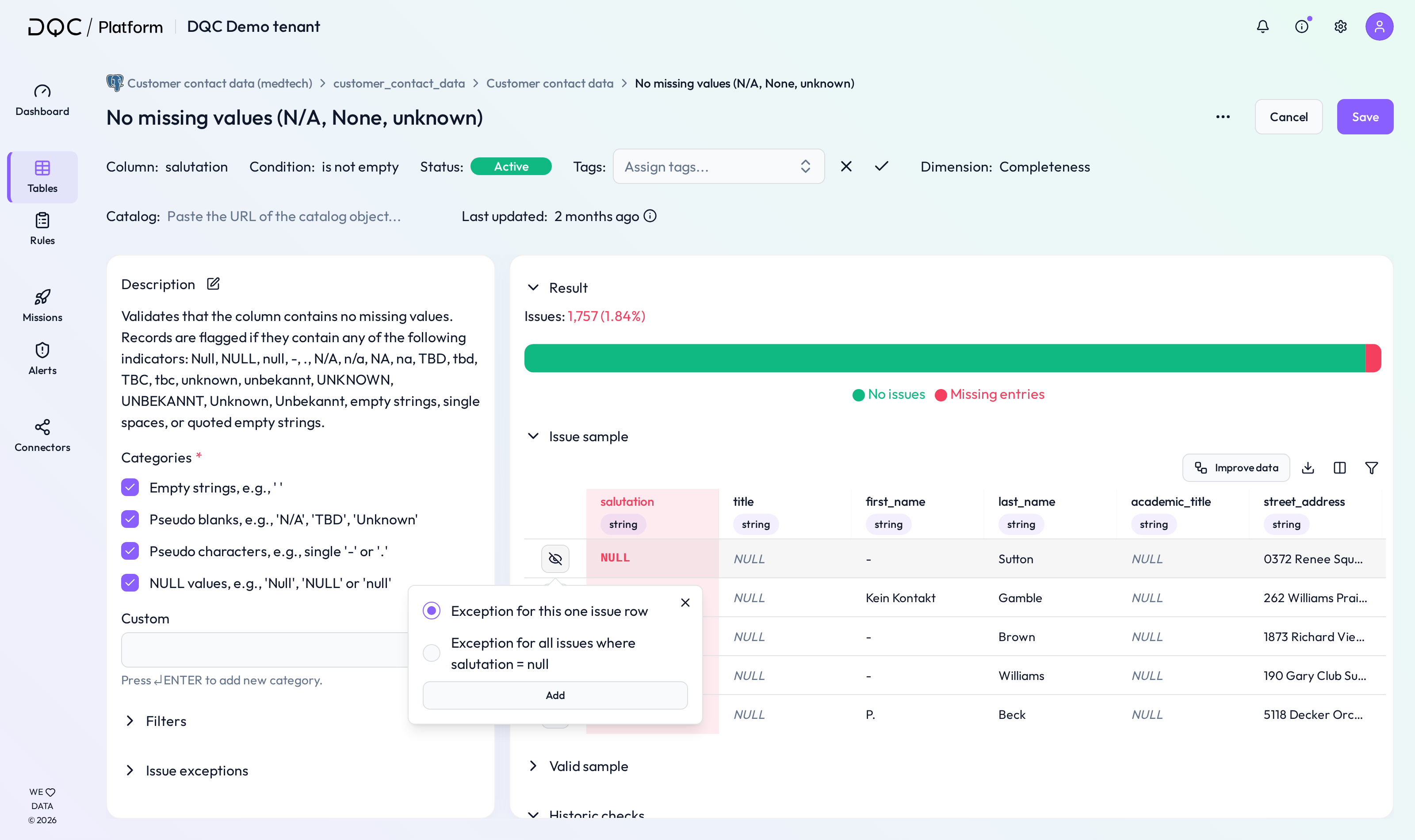
Confirm by clicking "Add". The exception will be saved and the issue removed from the total count.
Manage issue exceptions
Once added, all active exceptions appear in the Issue exceptions section on the left side of the screen.
You can remove any exception by clicking the  icon.
icon.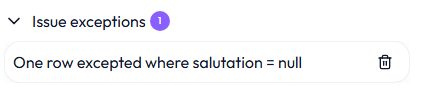
 Notes
Notes
Issue exceptions only apply to the rule where they were added
Exceptions are helpful to prevent false positives and reduce alert fatigue
Removed exceptions will immediately be reflected in the next table check
Learn more: The Issue Table, Setting Up Data Quality Rules, Rule Detail Screen Overview