
The Table check
A table check runs all active data quality rules on a table and identifies invalid rows. It is the core mechanism to detect data issues and track data quality over time.
You can run a table check manually or schedule it to run automatically.
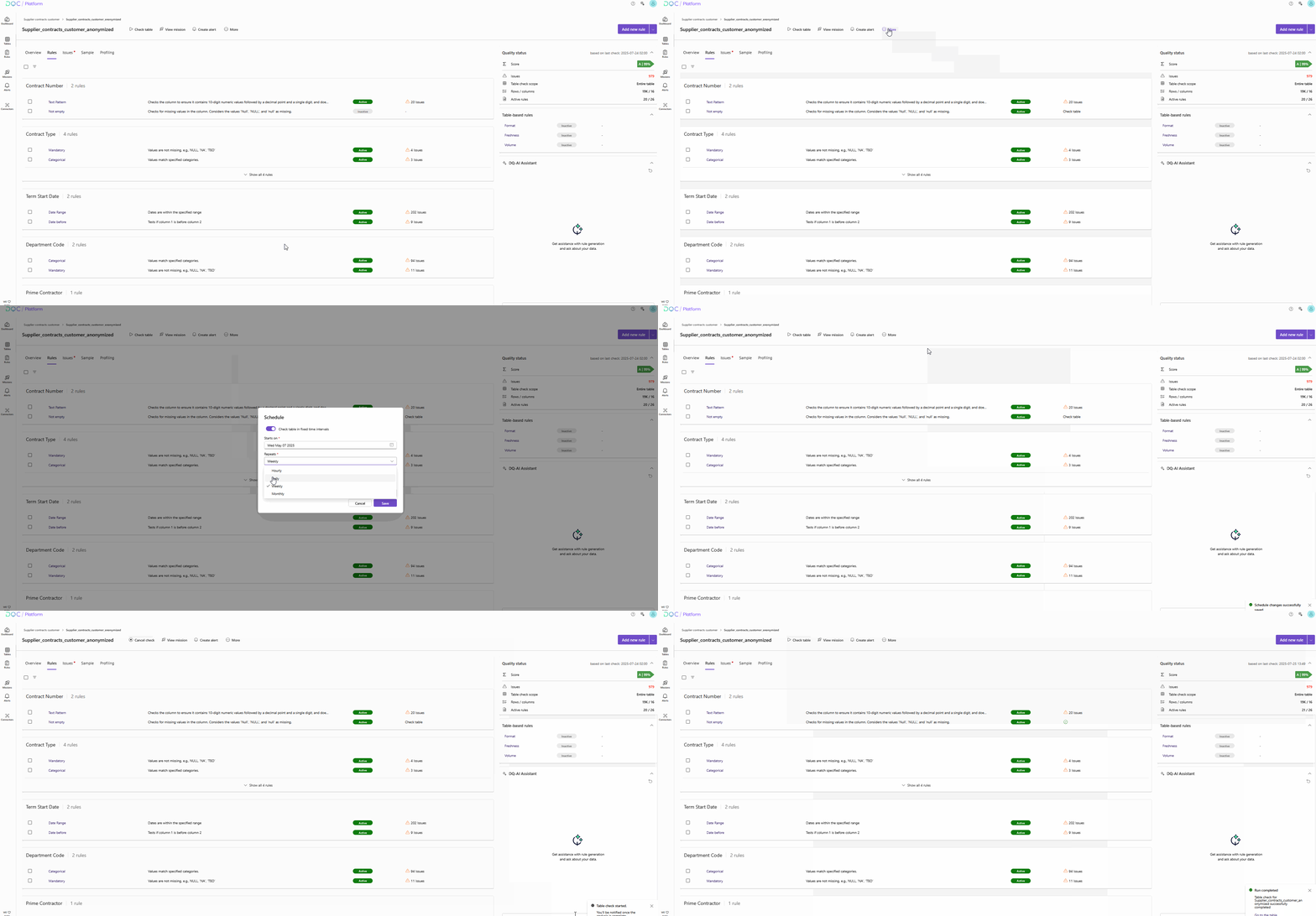
When to run a table check
Before each check, make sure that all desired rules are activated — only active rules are evaluated. Deactivated rules are skipped.
Run a table check manually
Review the list of rules in the Rules tab
Activate the rules you want to apply
Click “Check table” in the header
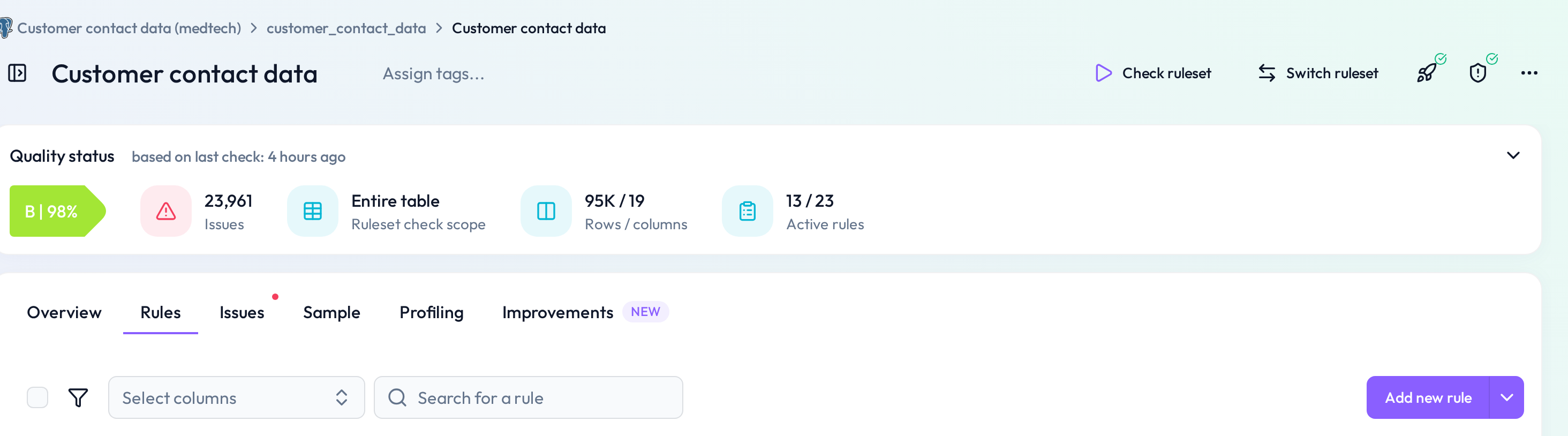 Use the button to validate the table with current rule settings
During the check, a progress bar is shown. You can also cancel the check — for example, to adjust active rules before re-running.
 Cancel and reconfigure your rules if needed
Schedule table checks automatically
Go to the table
Click on “More” → “Schedule”
Set the parameters for automatic execution (e.g., daily, weekly)
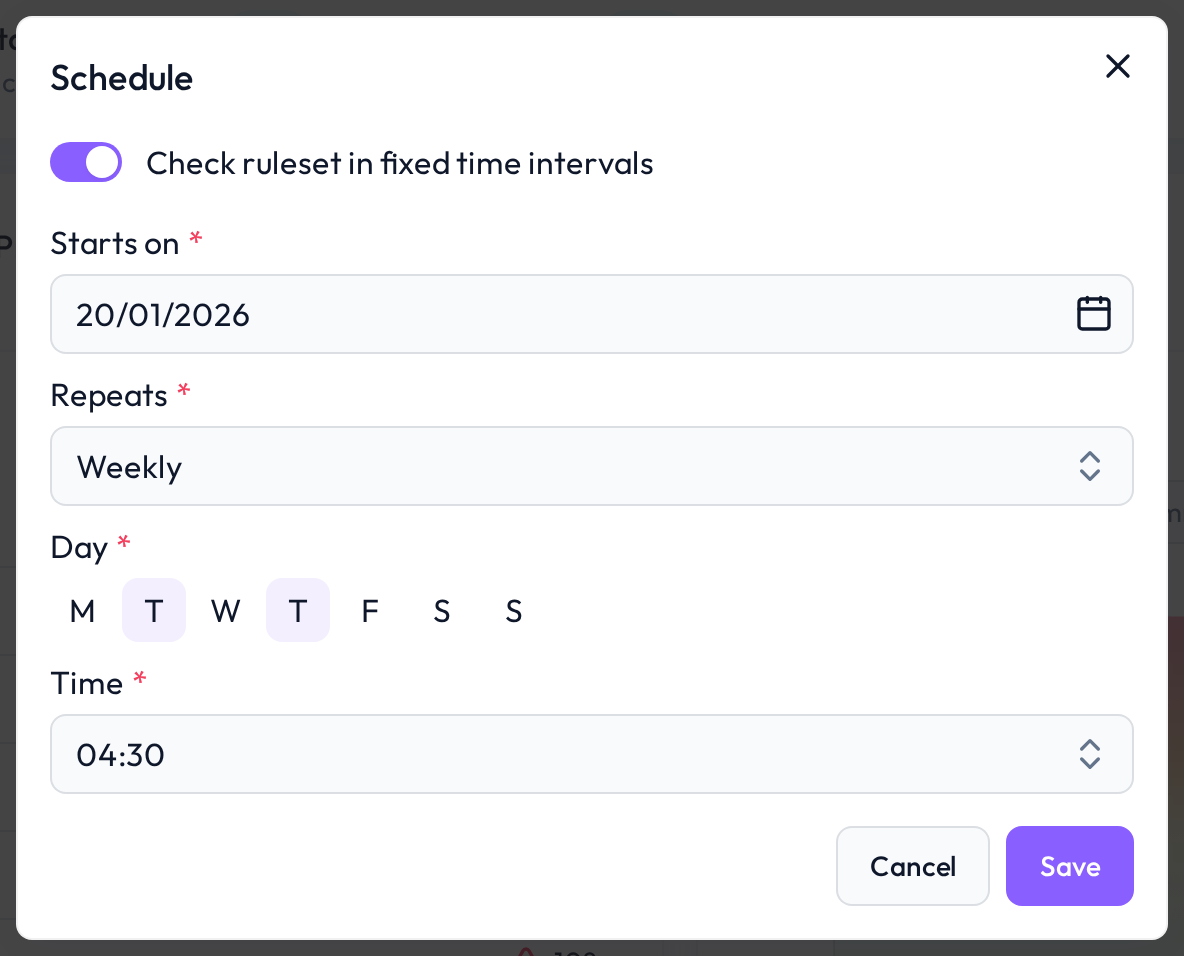 Checks will run automatically based on your defined schedule
 Notes
Notes
Only active rules are included in the check
Checks can be canceled and re-run at any time
You can define custom schedules per table
Learn more: Activation of Rules, Rule Creation, Adjusting Rule Schedules