
Adjustment of the checking schedule for a ruleset
The DQC Platform allows you to configure an automated checking schedule for each table and its associated ruleset. This ensures that data is validated regularly without requiring manual intervention.
How to adjust the schedule
Go to the desired table
Click “More” → “Schedule”
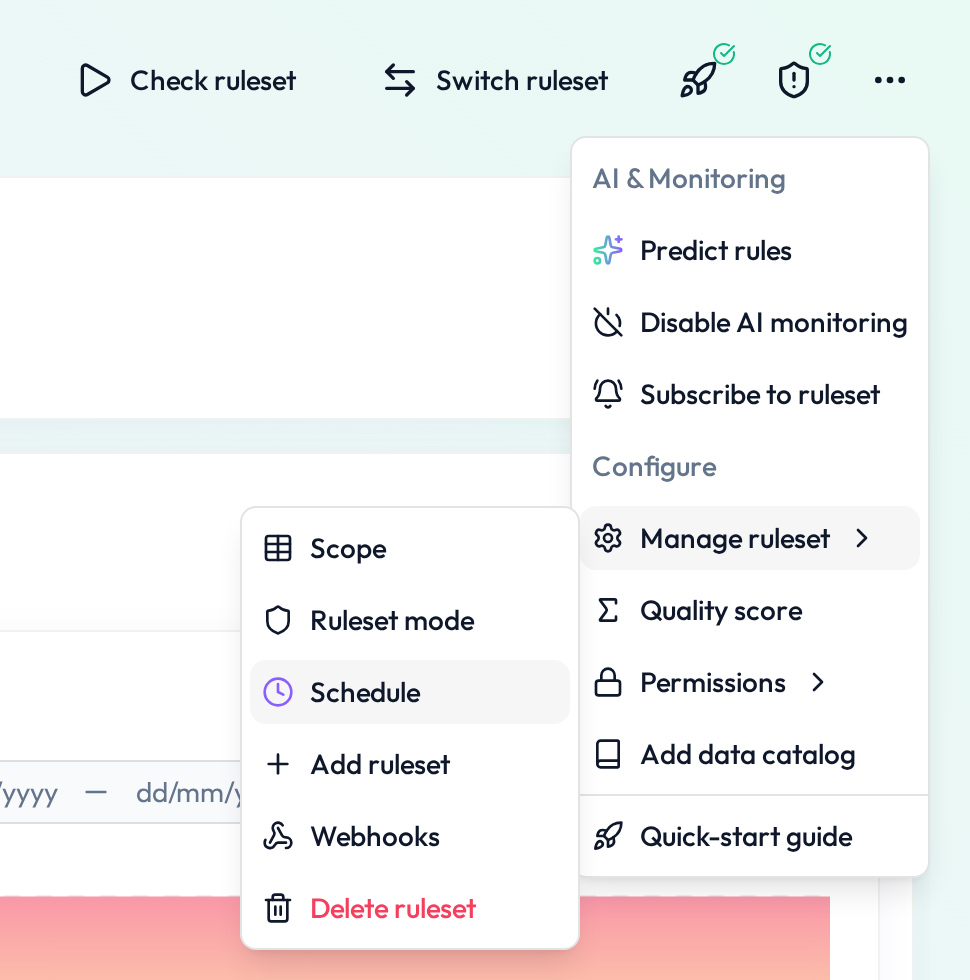 Open the scheduling settings for the selected ruleset
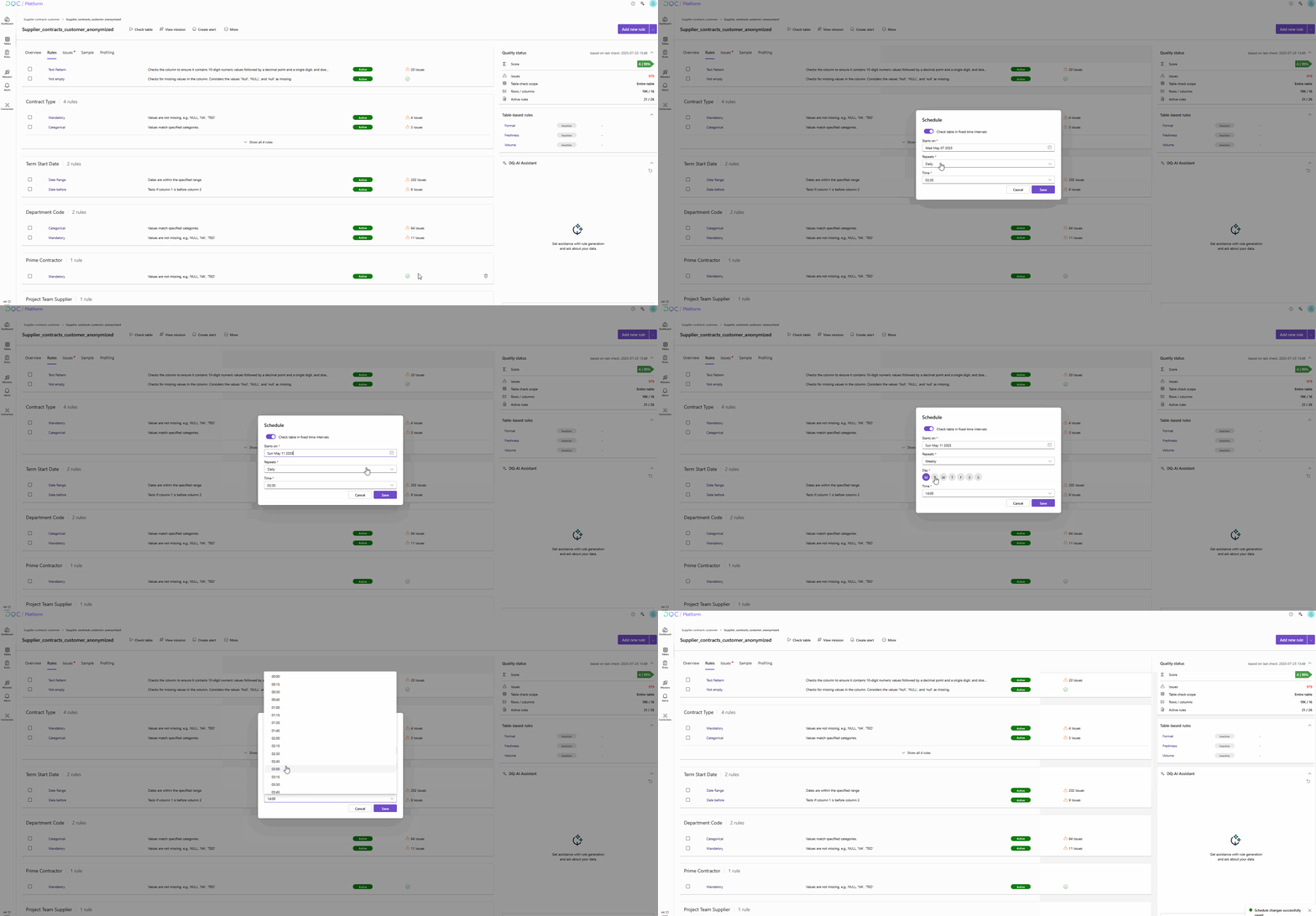
Configuration options
In the Schedule screen, you can set:
Starts on – Define the start date of the recurring check
Repeats – Choose the frequency:
Hourly
Daily
Weekly
Monthly
Time – Set the exact time for the check to run
The field “(First) Next run” shows when the next scheduled check will occur based on your settings.
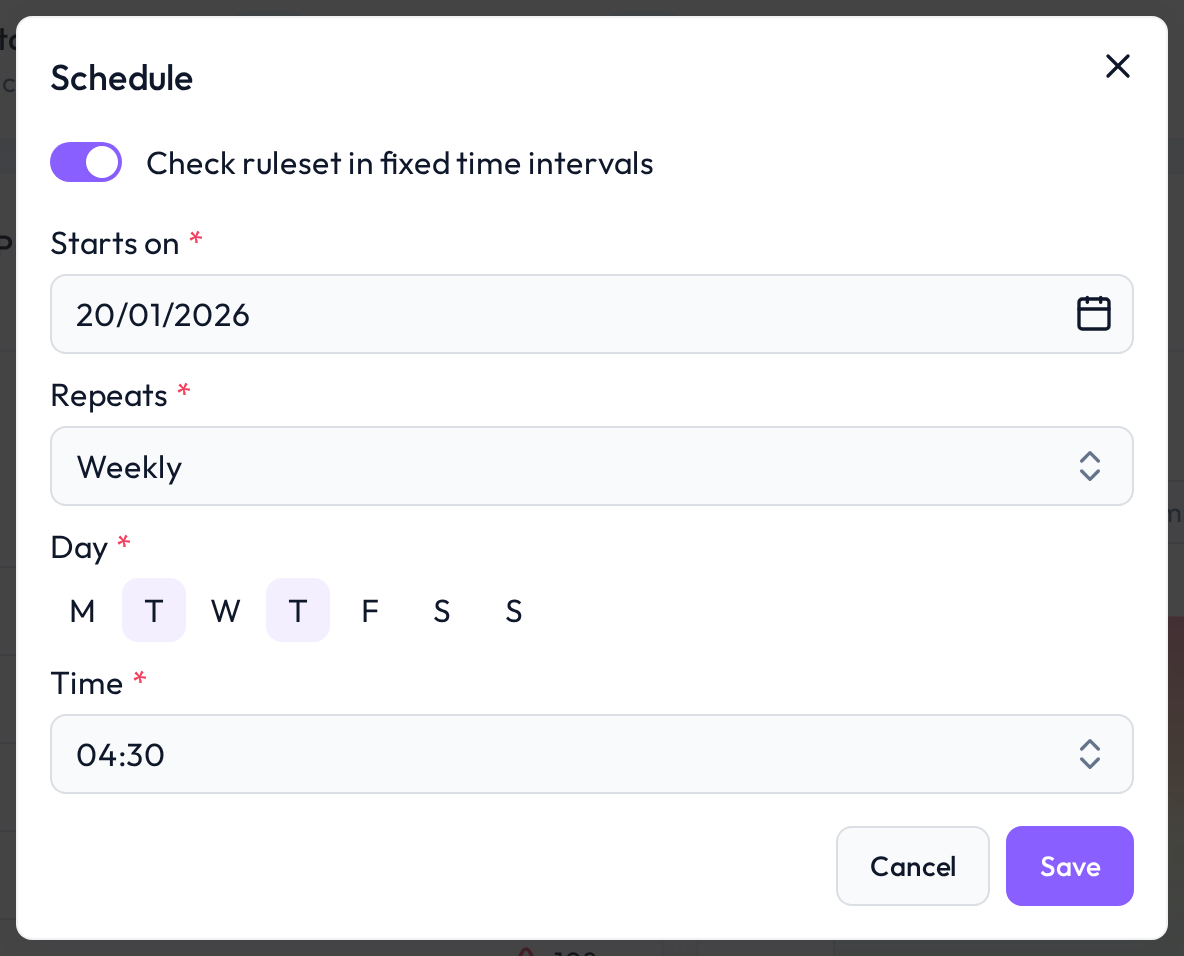 Flexible scheduling per table and ruleset
 Notes
Notes
Each table can have a unique schedule
Scheduled checks only evaluate active rules
You can cancel or adjust the schedule anytime
Learn more: Setting Up a Table Check, Activating Rules, Dashboard Quality Status