
Supported data sources
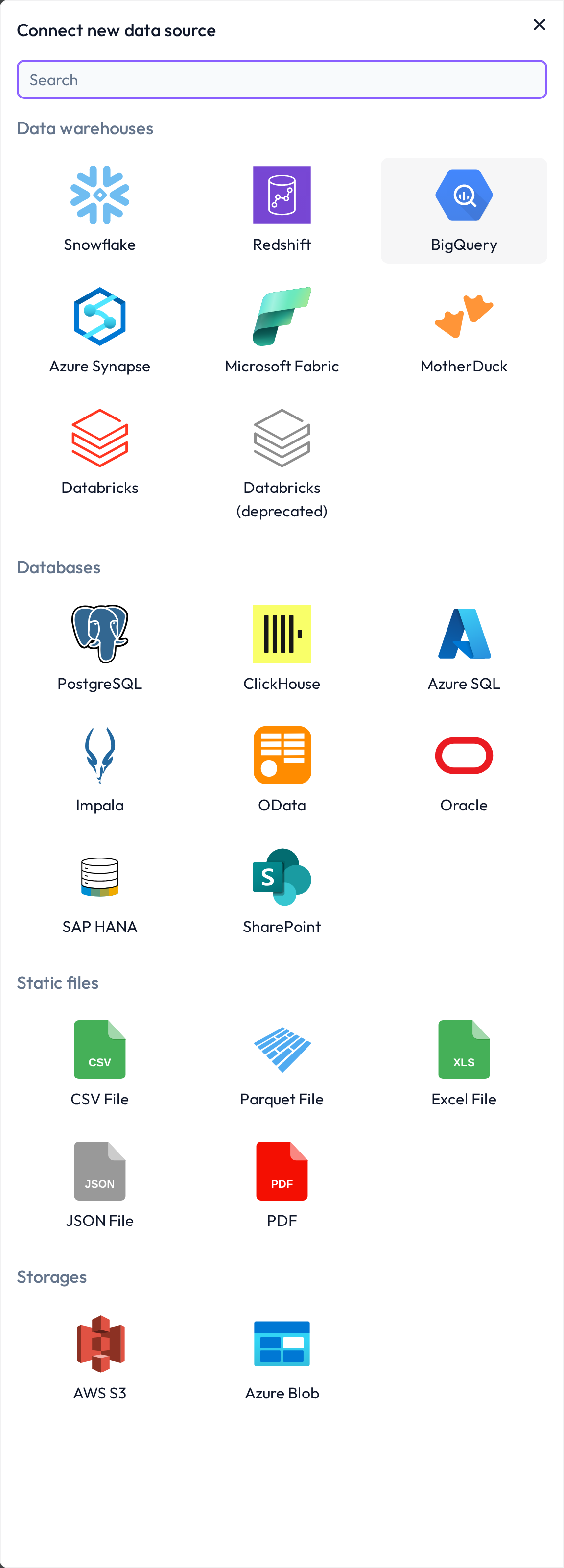
The DQC Platform supports both structured and semi-structured data across a wide range of source types. You can connect your data easily — without writing code — by using the built-in Integrations feature.
Data warehouses
Snowflake
Azure Synapse
Google BigQuery
Databricks
Amazon Redshift
MotherDuck
(and more)
These are ideal for large-scale, analytics-optimized data environments.
Databases
PostgreSQL
MySQL
MariaDB
SAP HANA
Azure SQL
OData (SAP, ...)
Clickhouse
Oracle Database
Apache Impala
IBM DB2 (coming soon)
The DQC Platform supports real-time and batch validation against common OLAP and OLTP database systems.
Static files
CSV
Parquet
Excel
JSON
PDF
These formats can be uploaded manually or synchronized via storage connectors. Useful for ad-hoc checks or external data feeds.
Cloud storage
AWS S3
Azure Blob
Use these connectors to import files from cloud buckets or share results externally.
Collaboration & document management
SharePoint
Connect Microsoft 365 collaboration platforms and read structured content (such as SharePoint lists) directly into DQC.
ERP, CRM, ...
SAP
Salesforce
Dynamics
...
Use these connectors to import files from cloud buckets or share results externally.
Missing a connector?
If your desired data source is not listed:
Reach out to info@dqc.ai
We’re continuously expanding our integrations based on demand.
 Notes
Notes
All connectors support read-only data access
Credentials are encrypted and stored securely
Learn more: Connectors screen, Connection to Snowflake, Connection to Power BI