
Rewards and missions
In the DQC Platform, you can motivate users to improve data quality by assigning reward points for each resolved issue within a mission. These points foster engagement and promote continuous collaboration—especially in MS Teams-based setups.
Setting Up Rewards
During mission setup, you can define the number of points awarded for each completed task.
Points are awarded only when a participant resolves an issue
You can assign any number of points per task
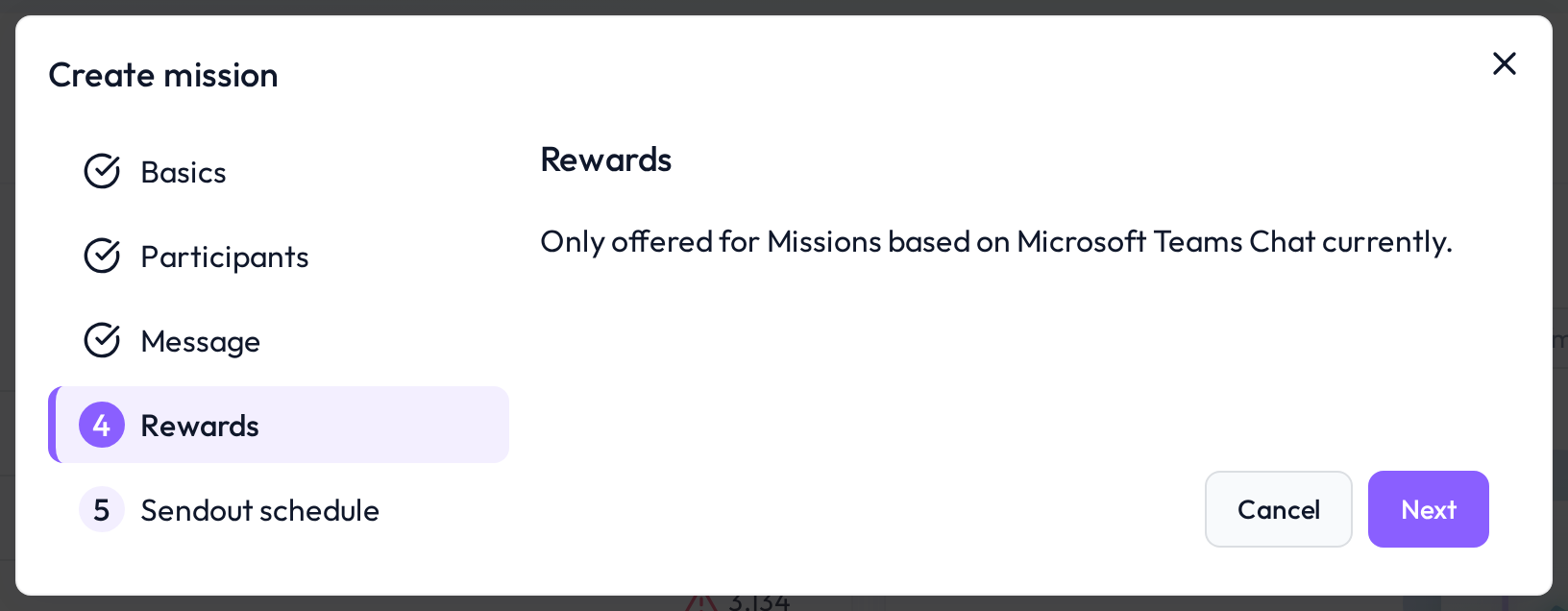 Reward configuration step during mission creation
MS Teams Integration
Rewards only work with MS Teams (not available for email-based missions)
Participants can see their accumulated points in the MS Teams chat
This gamified feedback loop helps maintain engagement throughout the mission
Optional Redemption
Points can be optionally redeemed—for example:
Coffee voucher
Internal team rewards
Recognition in a leaderboard
This makes missions not only productive but fun.
 Notes
Notes
Rewards are only shown and tracked via MS Teams
Consider aligning reward values with internal incentives
Learn more: Setting Up a Mission, Participant Selection for Missions, Sendout Schedule for Missions