
Connection to OData
The DQC Platform supports connections to OData v2 and v4 services — including SAP-based APIs. This guide explains how to configure an OData connector with the required URL, credentials, and optional headers.
Add an OData connector
To begin:
Go to the Data Connectors screen
Click the OData Server button
Fill in the required fields as described below
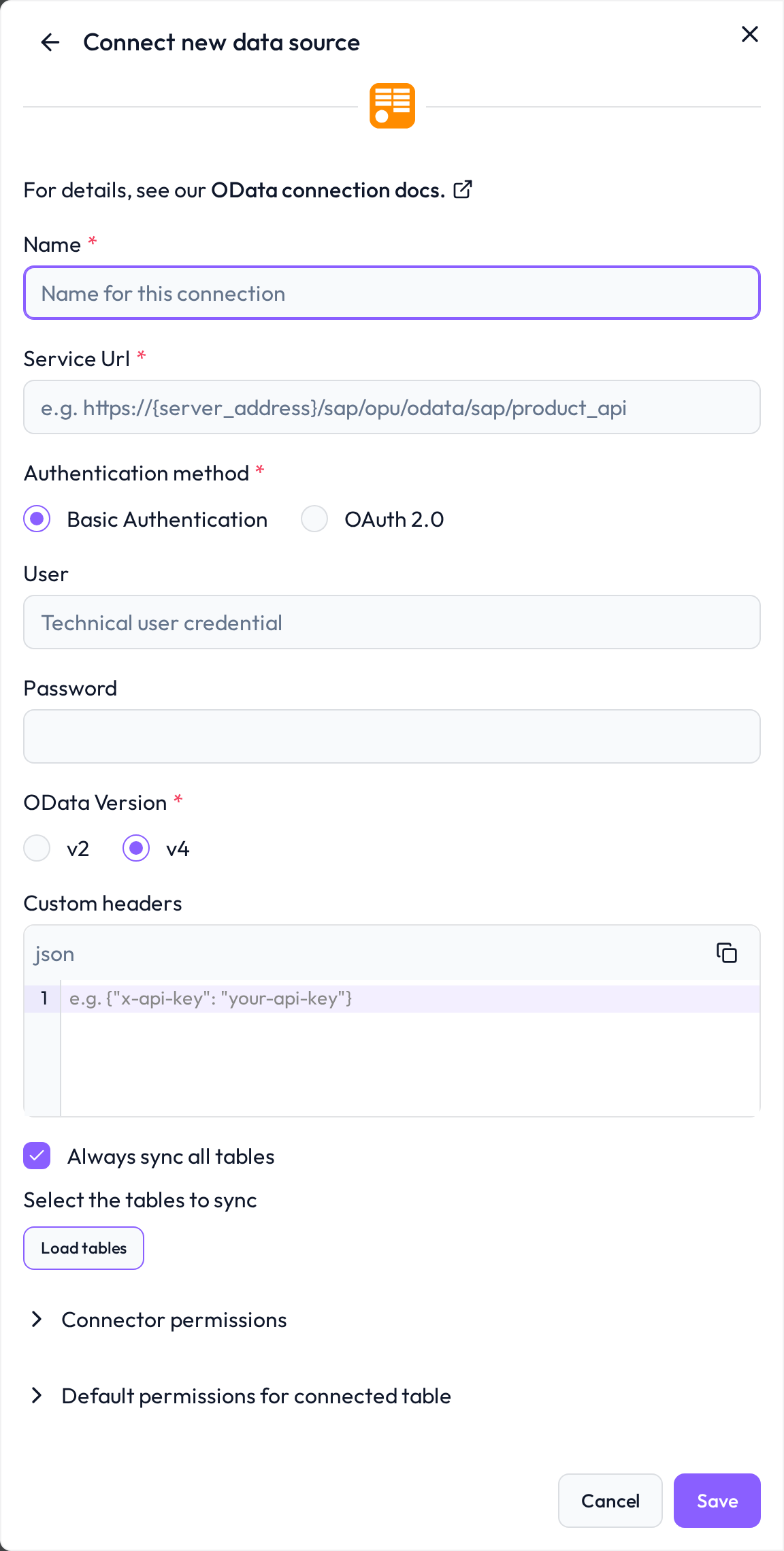 Start by selecting OData as the integration type
Required connection information
Field | Example | Description |
|---|---|---|
Name |
| A name for this connection |
Service URL |
| The base URL of your OData service (e.g., from SAP Gateway) |
Entity |
| Specific entity/entities to query; leave empty to load all |
User |
| Technical user with access to the OData service |
Password |
| Password for the technical user |
OData Version |
| Version of the API; v4 is preferred for better schema handling |
Custom Headers |
| Use for authenticated services (e.g. API keys or tokens) |
Best practices for access control
When configuring an OData connection, make sure the user credentials are authorized to access the desired entities or data services.
SAP-specific setup
 OData is one of several ways to bring SAP data into DQC. For a side-by-side comparison with SAP HANA and third-party connectors, see Connecting to SAP systems.
In SAP systems, OData authorizations are granted by adding the service to a PFCG role:
Go to PFCG (Role Maintenance)
Add the OData service to the role menu
Assign the role to the target user
Ensure the user has relevant business authorizations and start permissions
For further details visit: OData and SAP
Whitelist the DQC Platform static IP
Ensure that the OData endpoint (or the reverse proxy/firewall in front of it) accepts traffic from:
3.123.94.228 Notes
Notes
Use OData v4 where possible for better performance and schema management
If using SAP, confirm the service is active and reachable from external IPs
Learn more: Supported data sources, Connection to Power BI