
The Sample overview
The Sample overview allows you to preview a subset of the data in a connected table. It gives you a direct view of real entries — including all columns and their detected formats — which can help you validate assumptions or investigate issues more easily.
Where to find the Sample overview
The Sample overview is accessible via the third tab next to “Rules” and “Issues” for each table.
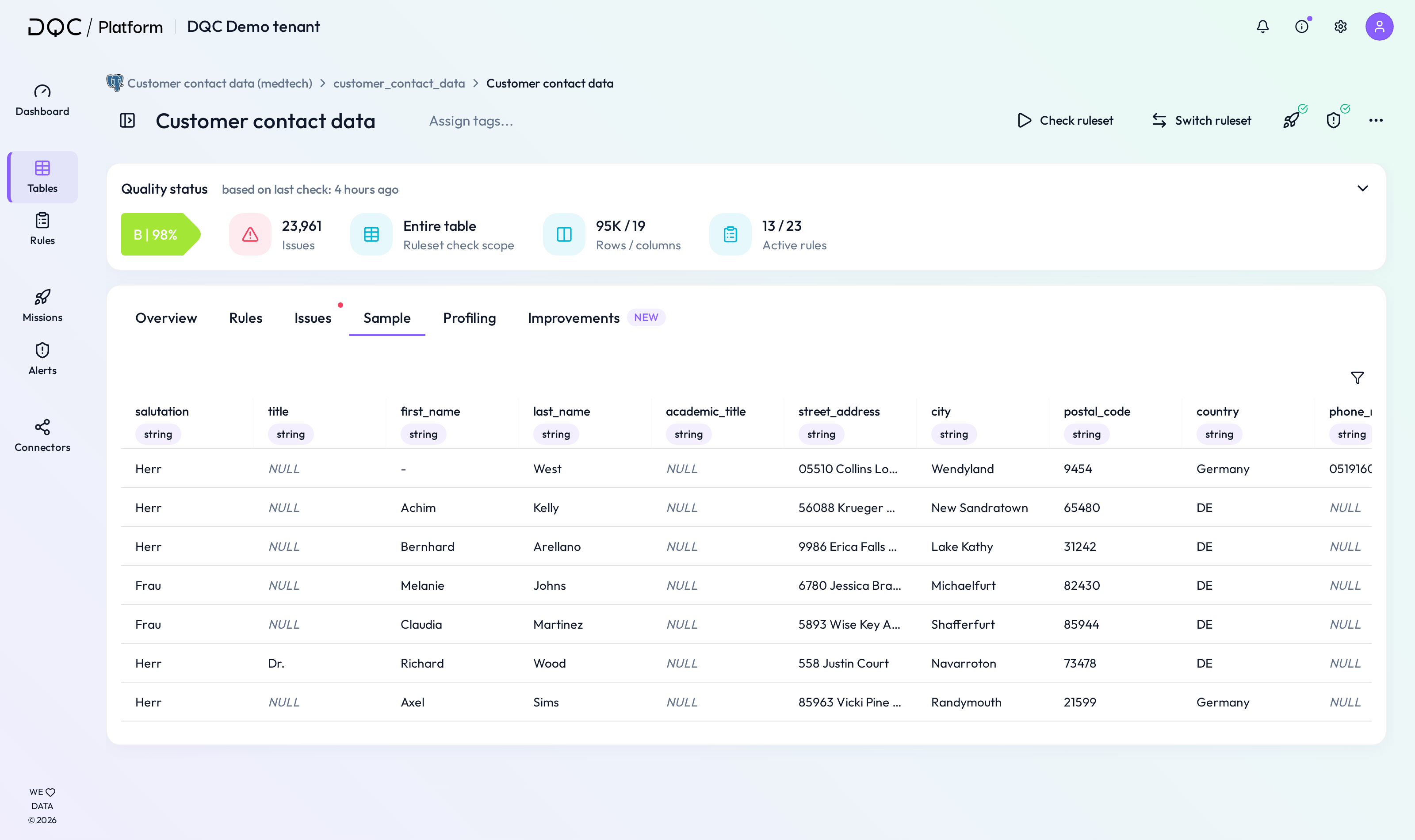 Switch to the Sample tab to see a raw data preview.
What the Sample overview shows
The Sample overview displays:
 All columns in the table
- Detected formats for each column (e.g. text, date, number)
- Sample entries from the table data
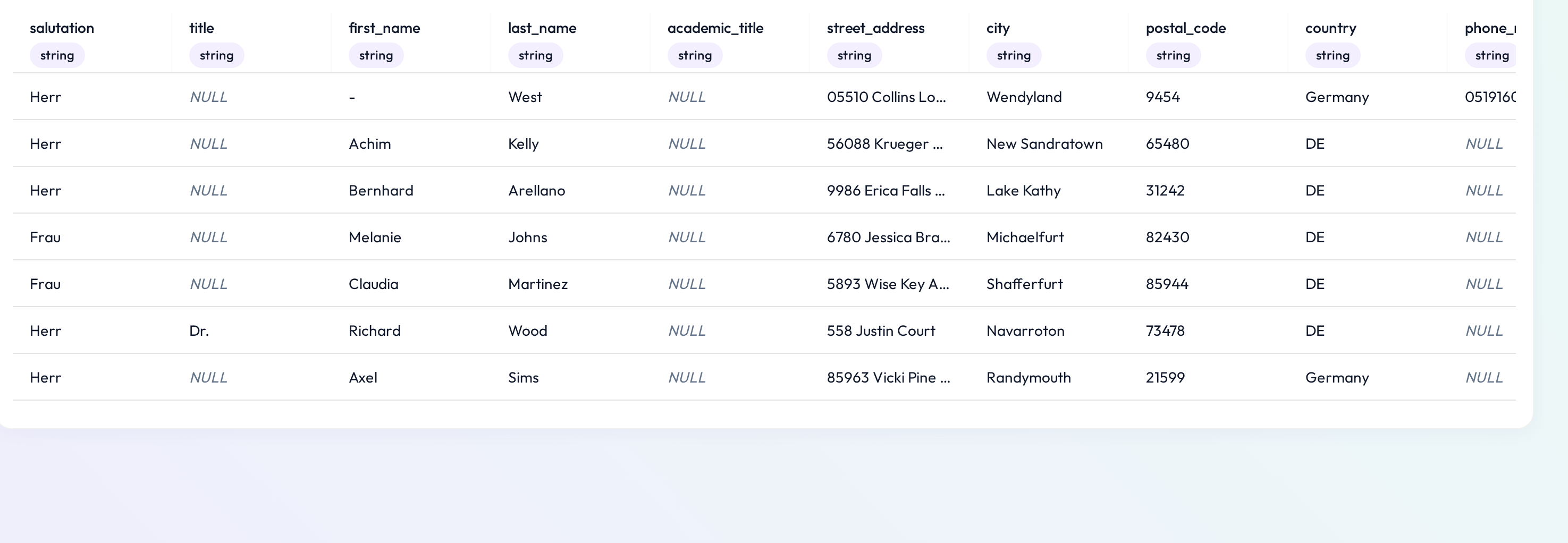 Quickly confirm the structure and values of your data
Use cases
Use the Sample overview to:
Understand the general structure of the table
Confirm column types before creating rules
Investigate why a rule might be failing
 Notes
Notes
This tab displays a static sample and does not show all data
Learn more: Profiling Tab, Rule Overview, Working with the Issue Table