
v2.16
New features 
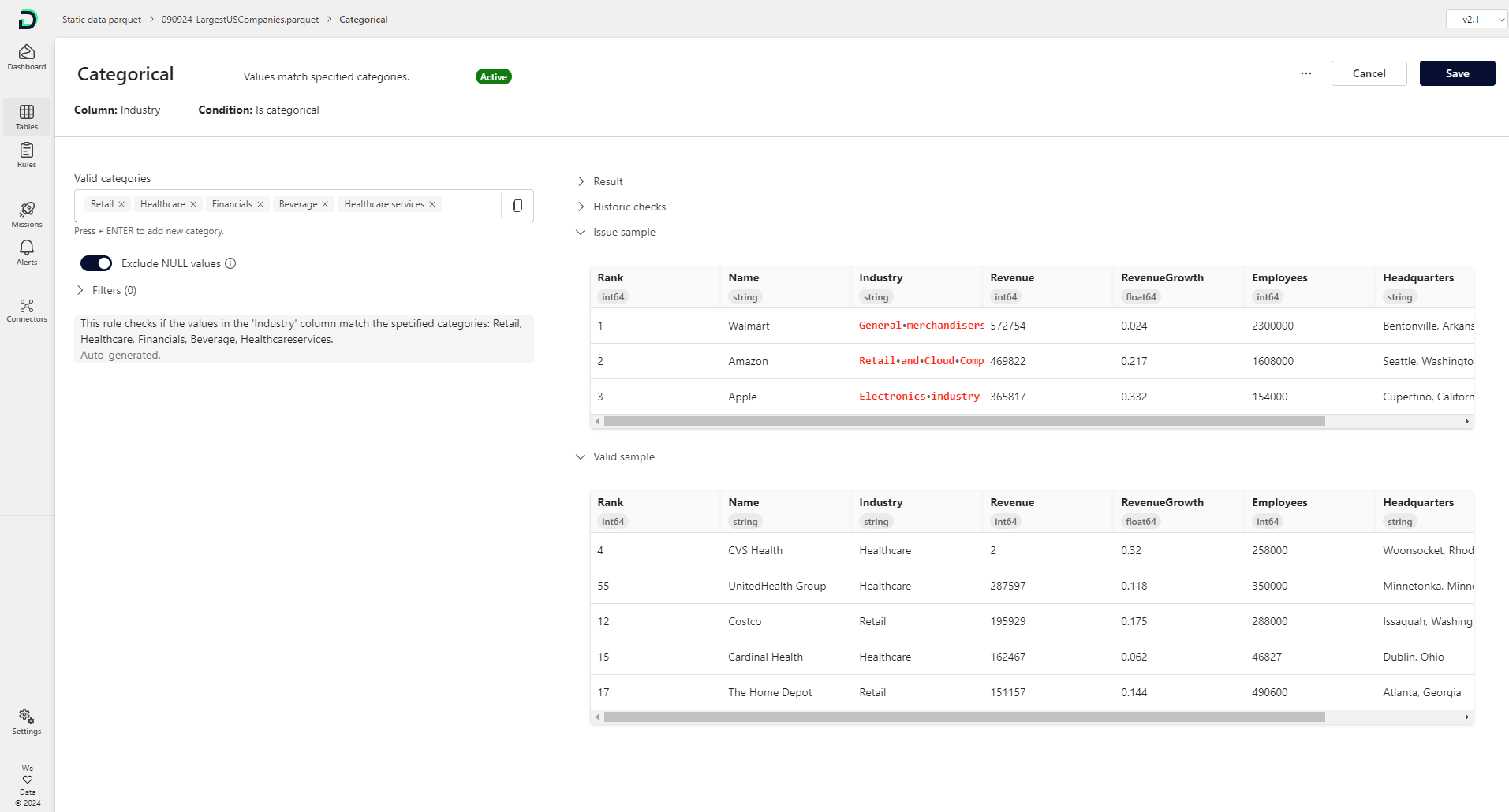
Rule-specific issue and valid samples: Previously, you could see all issues for a table on the "Issues" tab and filter by rules and/or columns. Now, we have added an issue and valid sample table to each rule detail screen. It shows sample data that matches and violates defined rules. You can see both sample tables by opening the accordion at the bottom of the rule detail page or by clicking on the bars in the frequency chart above.
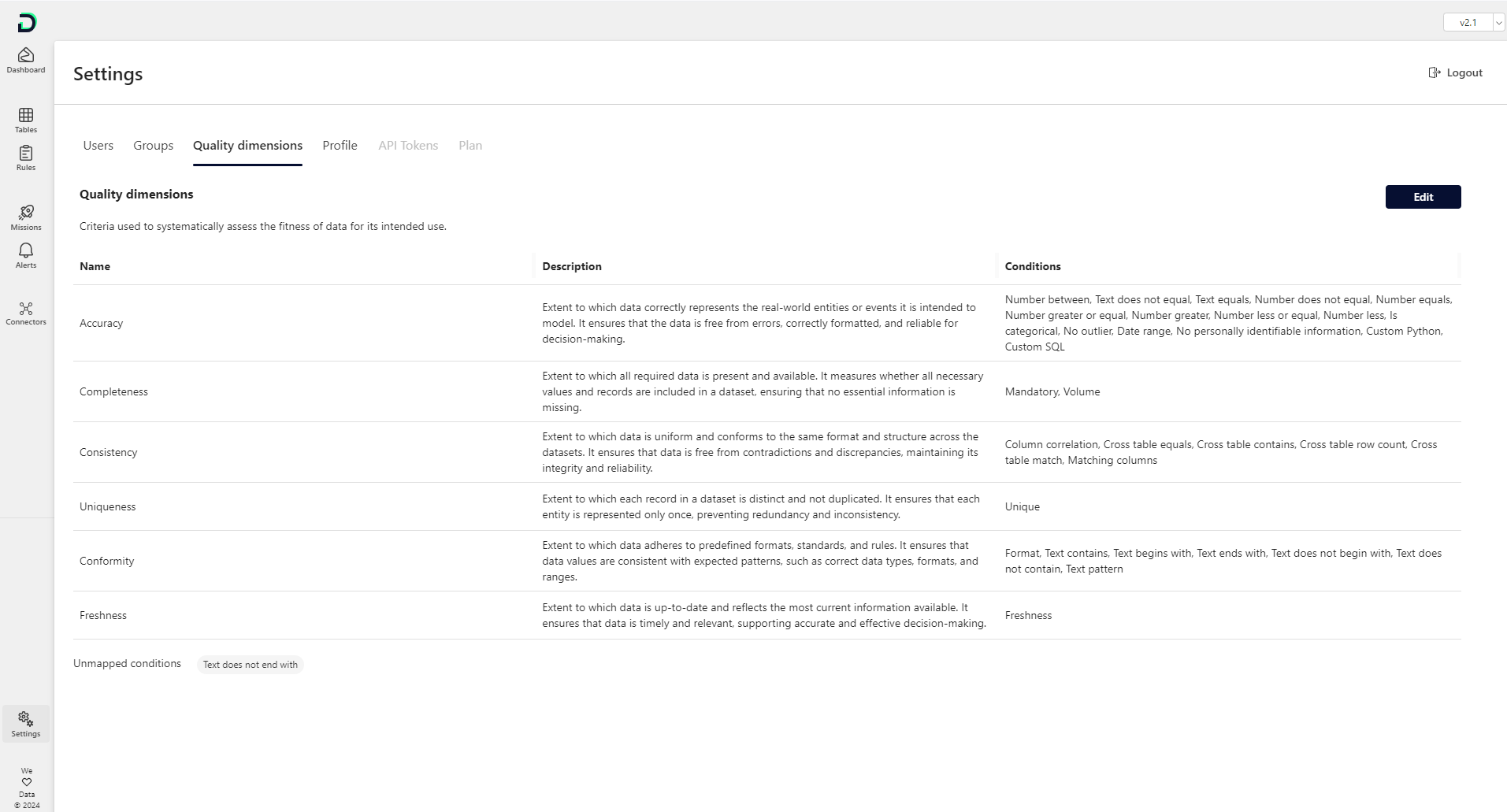
Quality dimensions: Data quality dimensions are specific criteria (e.g., accuracy, reliability) used to measure the quality of data. By using them, organizations can systematically assess and improve their data based on these defined criteria. Six pre-configured quality dimensions are provided as standard, including the automatic mapping of these dimensions to individual rules. You can find and edit the dimensions within the "Settings" menu. Quality dimensions and their condition mapping are fully editable and can be customized for each tenant.
Speed improvements: Due to code refactoring you can experience significant speed improvements throughout the platform.
Bug fixes and visual improvements 
Fixed a bug where a superscript semicolon ' could not be used for some rule input fields
Smaller bug fixes and wording changes
Breaking changes:  ️
️
Rulesets that were previously created can no longer be imported. The import and export of rulesets for new rules works as expected. If you cannot create a new ruleset to continue working with, but need to use an old one, please contact info@dqc.ai.