
Use of the DQ-AI Assistant to understand your data
The DQ-AI Assistant can be used to explore and better understand the structure and content of each table and to directly create rules. It is always available on the right-hand side of the screen when viewing a table.
This assistant does not access the raw data directly — instead, it uses metadata, profiling results, and column statistics to provide useful insights.
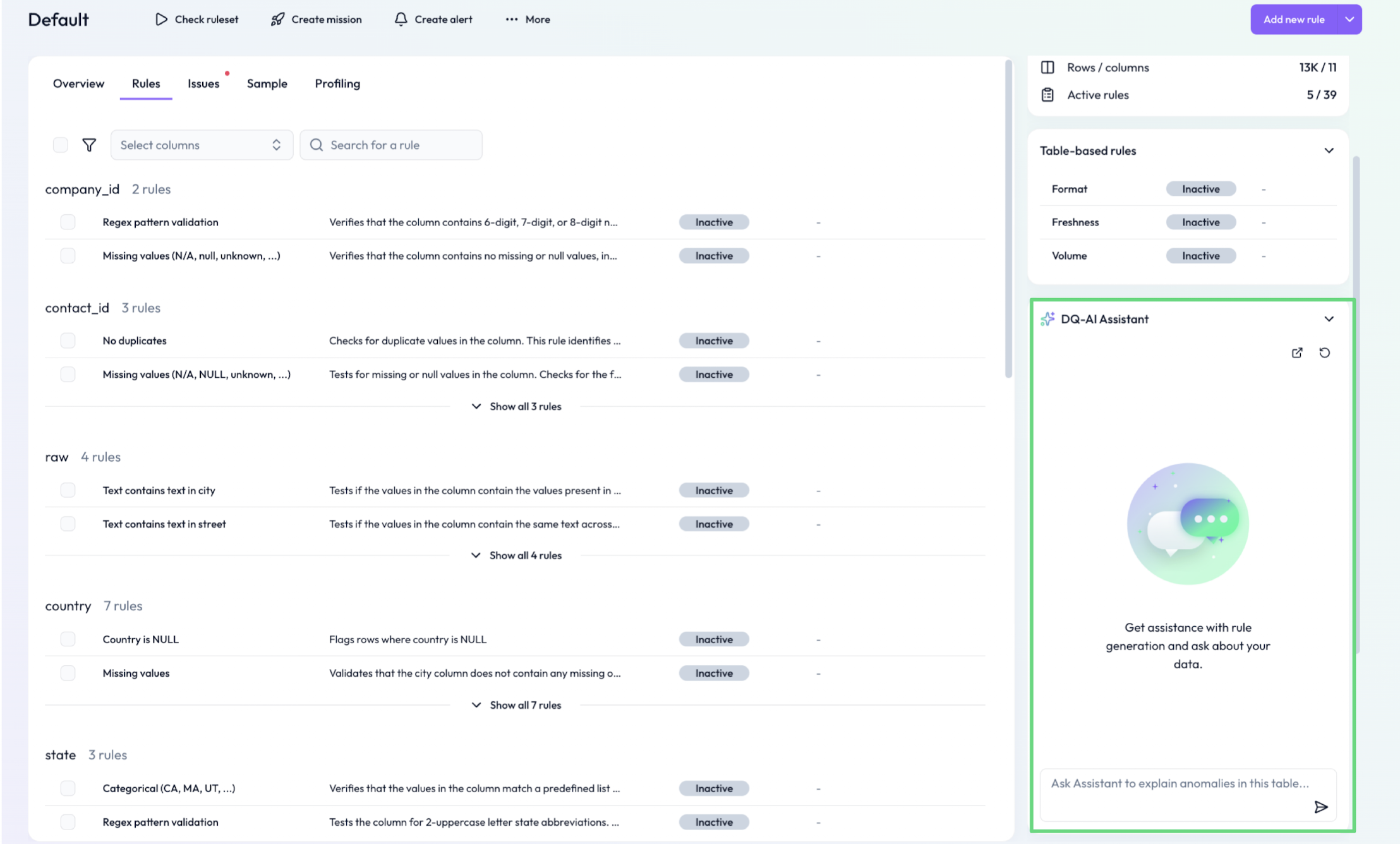
What you can ask the assistant
The DQ-AI Assistant is especially helpful for getting familiar with a table and identifying useful rule starting points.
Examples of helpful questions:
What is the table all about?
What are the most important columns?
What does the column “Status Code” mean?
Can you describe some useful data quality rules for this table?
Can you suggest a rule based on this description?
(Note: answers are based on profiling, not full data access)
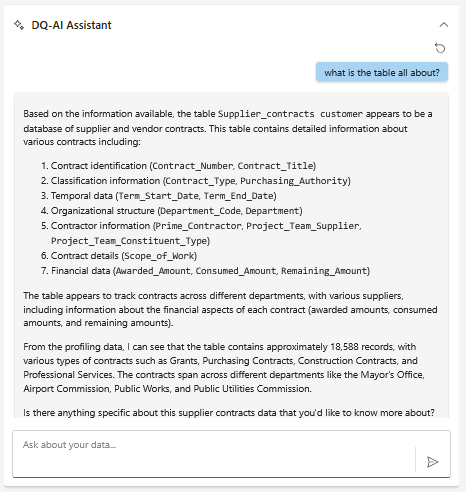 Use natural language to ask questions about the table’s purpose and structure
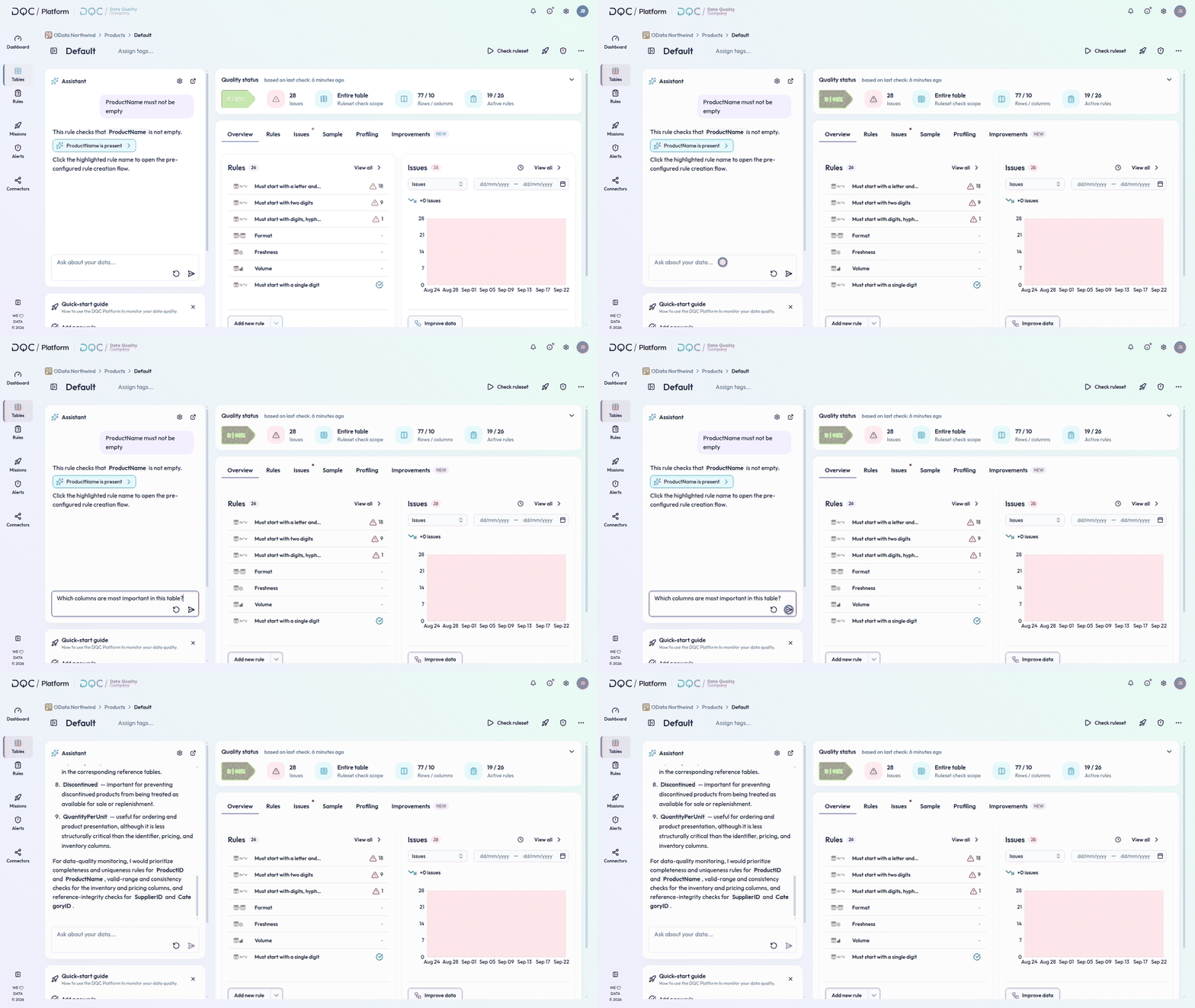
Important limitation
The assistant does not have access to raw table data. Therefore, it should not be used for:
Specific data analysis
e.g. “What are the three largest outlier in Price?”
Example use case
Scenario: You’ve connected a new table and want to understand what it contains before setting up any rules.
Solution: Ask:
“Can you describe the purpose of this table?”
“Which columns look most relevant for quality checks?”"Suggest data quality rules es for each priority column°
"How to concretely implement this rule?"
The DQ-AI Assistant will respond based on profiling results, column formats, and naming conventions.
 Notes
Notes
This assistant focuses on understanding — not configuration
Use it during exploration, especially when working with unknown or external tables
Learn more: Profiling Tab, Use of the DQ-AI Assistant to Create Rules, Overview Tab