
v2.31
New features 
Rule tags: We introduced tags which can be applied to data quality rules - they can then be labelled and grouped, facilitating organization, search, and filtering. User can add, edit and delete tags in the Settings:
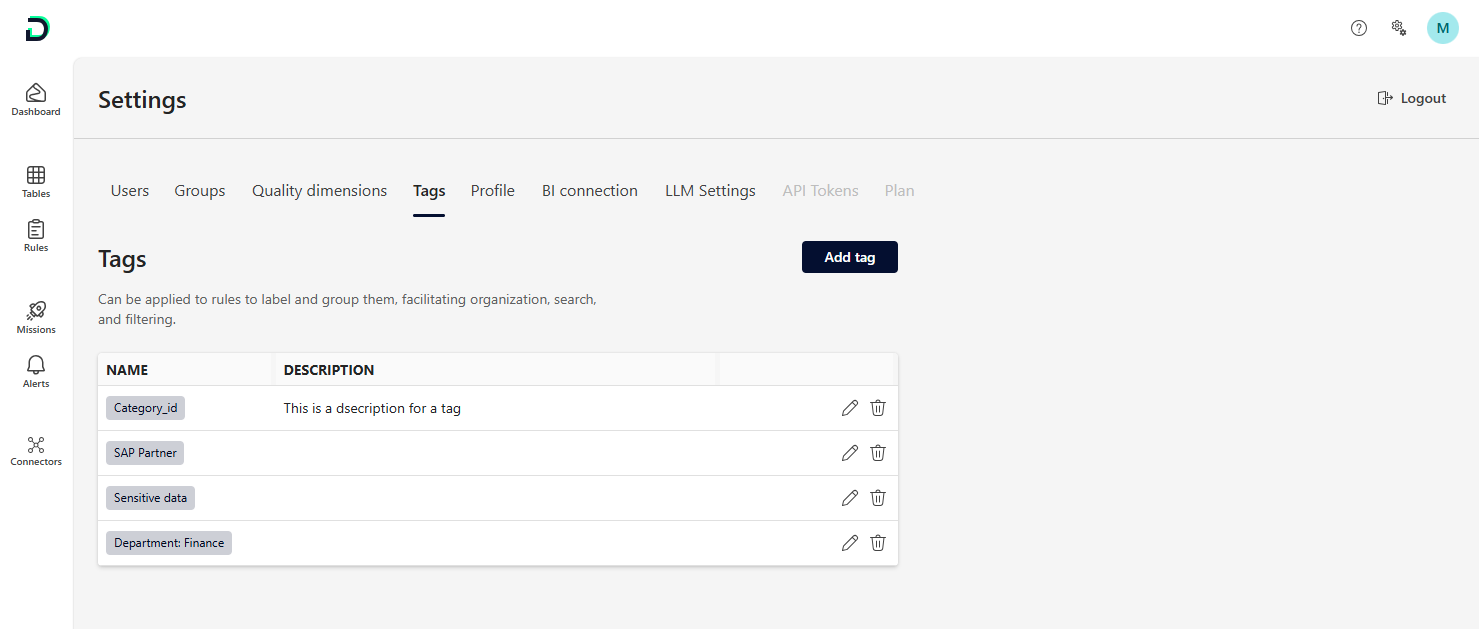
Once created, tags can be assigned to rules either during rule creation or later from the rule detail view. You can assign one or multiple tags from the overall tags list defined in Settings.
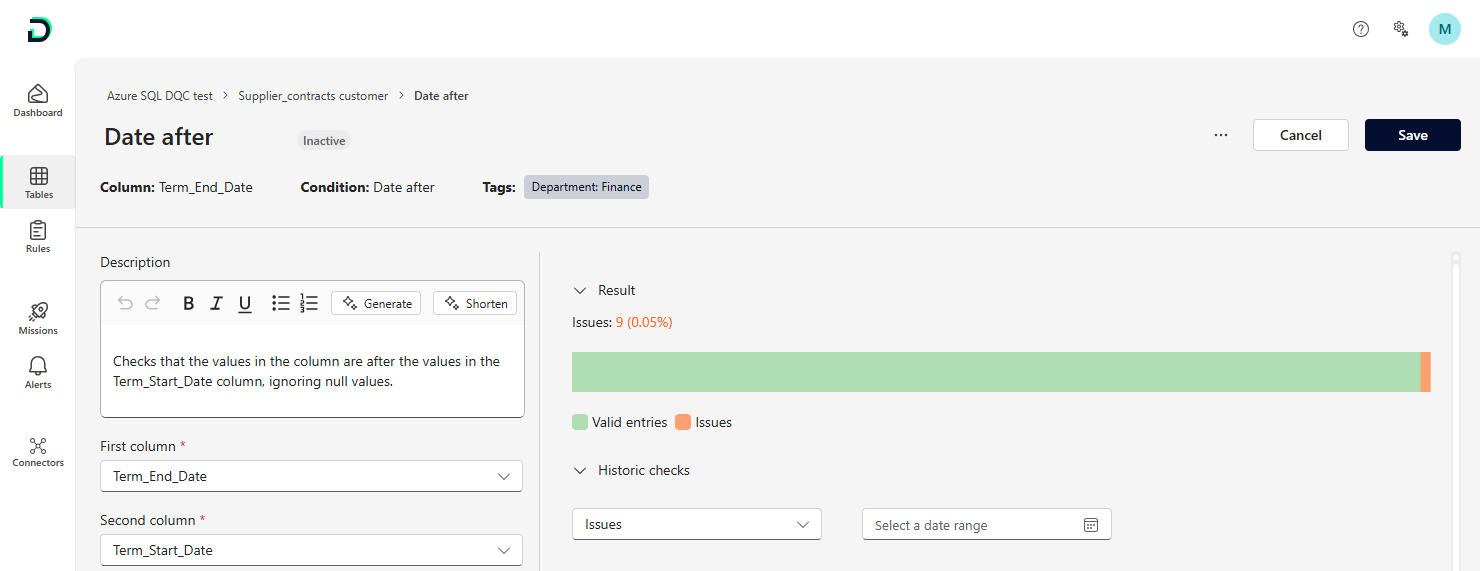
We also introduced a new column and filter in the rule repository for tags. This makes it easier for users to see all rules to which certain tag have been assigned. Note: Tags will also be included in the BI export, allowing users to use them for tasks like clustering in custom BI reports.
Virtual tables across schemas: Virtual table joins now support cross-schema table selection within the same database. In the workflow to join tables, all connectors and tables for the same database can now be selected
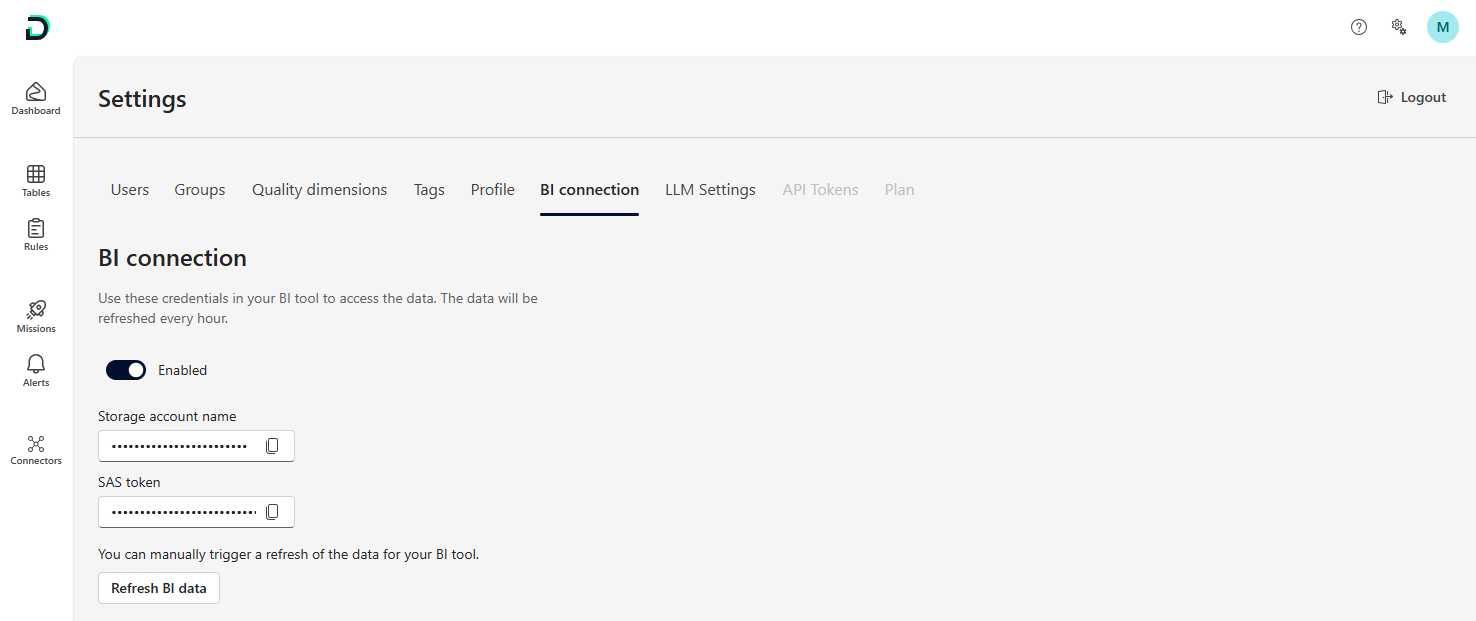
Manual BI data refresh: In addition to the hourly export, users can now manually trigger a BI export from the Settings. This allows for quick validation of changes made in the DQC Platform directly within your BI tool. The update is typically completed within a minute.
Bug fixes and visual improvements 
Made the interfaces in Settings more consistent
Fixed a bug where the link in a success toast for mission creation could not be accessed
Improved the upload of static CSV files
Fixed a bug where some deep links would not be correctly shown in the message send-out via email
