
Currently available only on the DQC Cloud. Support for Private Cloud is coming soon.
Loading PDFs into Structured Data on the DQC Platform
The DQC Platform allows you to upload one or multiple PDF documents and automatically transform their contents into a structured table format. This is useful when working with business documents, invoices, reports, or any other files that contain both tabular data and contextual information around those tables.
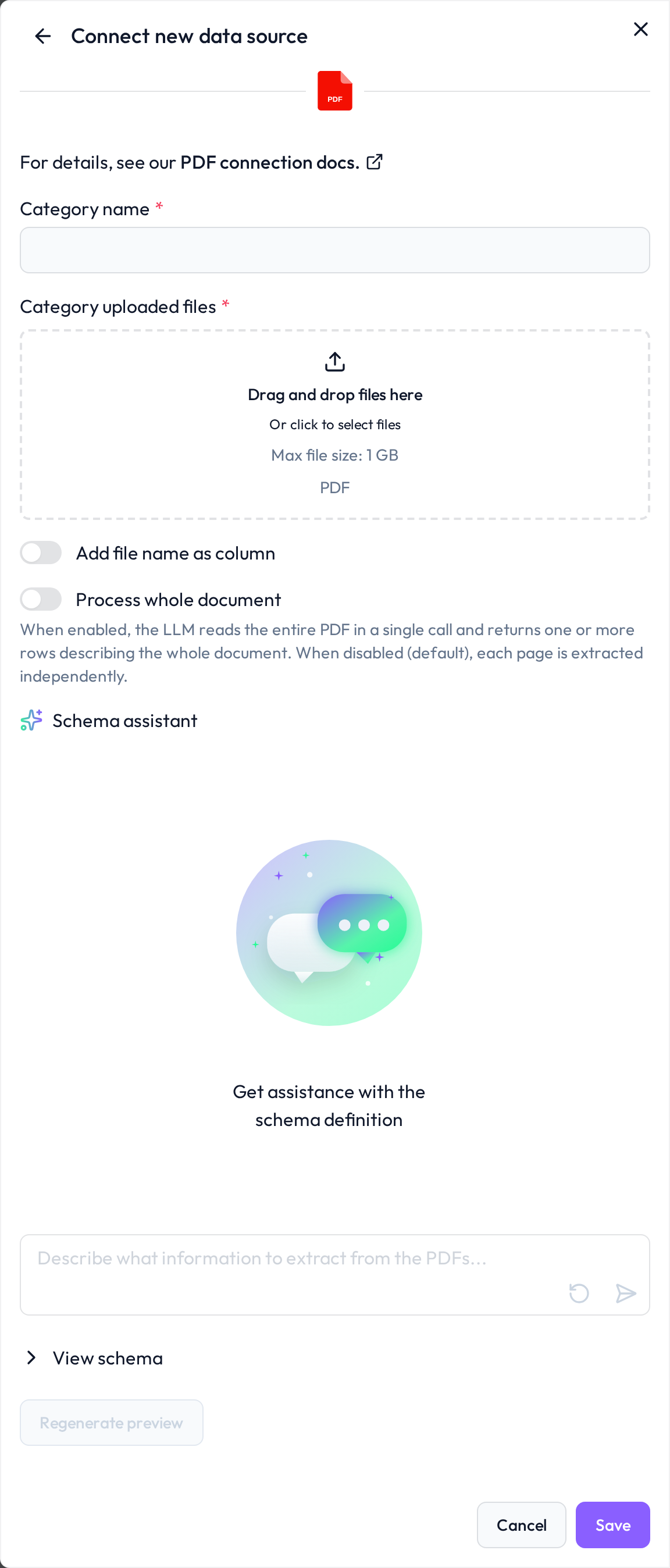
Extracting Tables and Contextual Information
Our PDF extraction engine can capture:
Table data (rows, columns, and split fields)
Information outside of tables (e.g., header or footer details)
File names (activate the toogle "Add file name as column" at the bottom)
This ensures that both structured values (like item numbers, dates, or quantities) and unstructured metadata (like document headers) are available in a unified, queryable format.
Defining an Extraction Schema with YAML
To control what information should be extracted from a document, the DQC Platform uses a YAML-based schema. The schema defines:
Columns – what fields should be extracted, their expected type (e.g., TEXT, NUMBER), and where to find them (table, header, footer)
Sections – how different parts of the document are structured (header, table, footer)
Example Schema
Here is a simplified and generalized YAML schema example:
table:
  columns:
    column_name:
      type: "TEXT"
      extract_description: "Description of how to identify and extract this value"
      section: "table"
    another_column:
      type: "NUMBER"
      extract_description: "Another field extracted from a table or document section"
      section: "header"

document_information:
  sections:
    header:
      extract_description: "Information at the top of the document"
    table:
      extract_description: "Main table data in the document body"
    footer:
      extract_description: "Additional notes or details at the bottom"
Adding PDFs to an existing schema
In many cases, an existing process generates multiple PDFs over time. As a result, the data to be quality-checked on the DQC Platform evolves continuously. You can upload additional PDFs with the same structural format to an existing schema, and the information from these files will be appended as new rows to the existing table. All quality rules are then automatically applied to the updated table during the next ruleset check.
 Notes
Notes
The service account must be tied to the same project as the dataset
Permissions are read-only — no changes to data are made
Learn more: Supported data sources